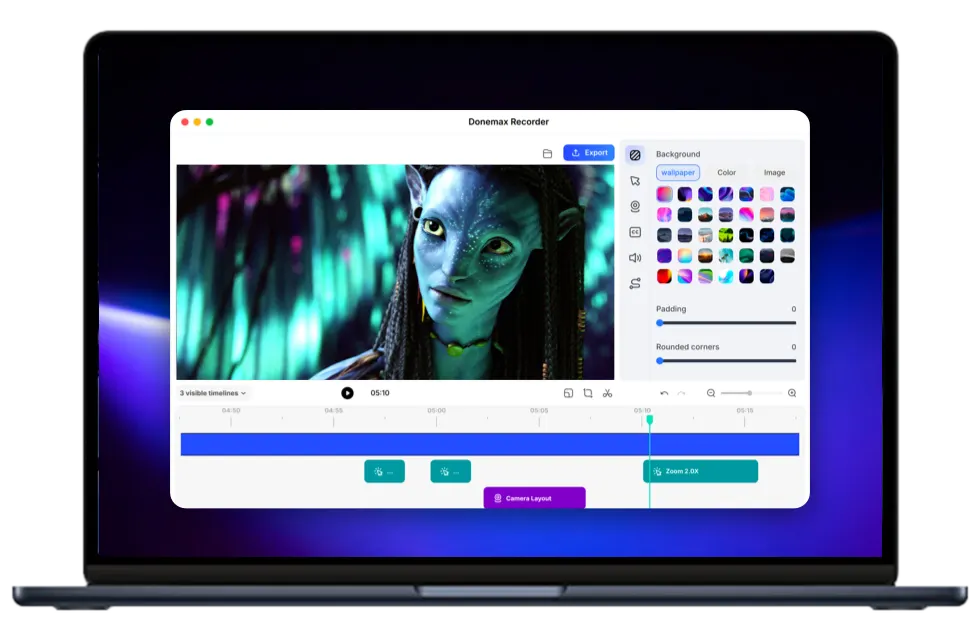
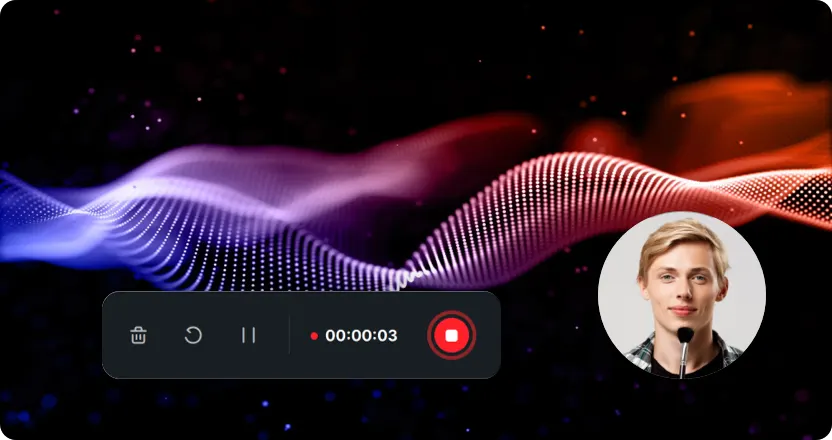
Automatic zoom
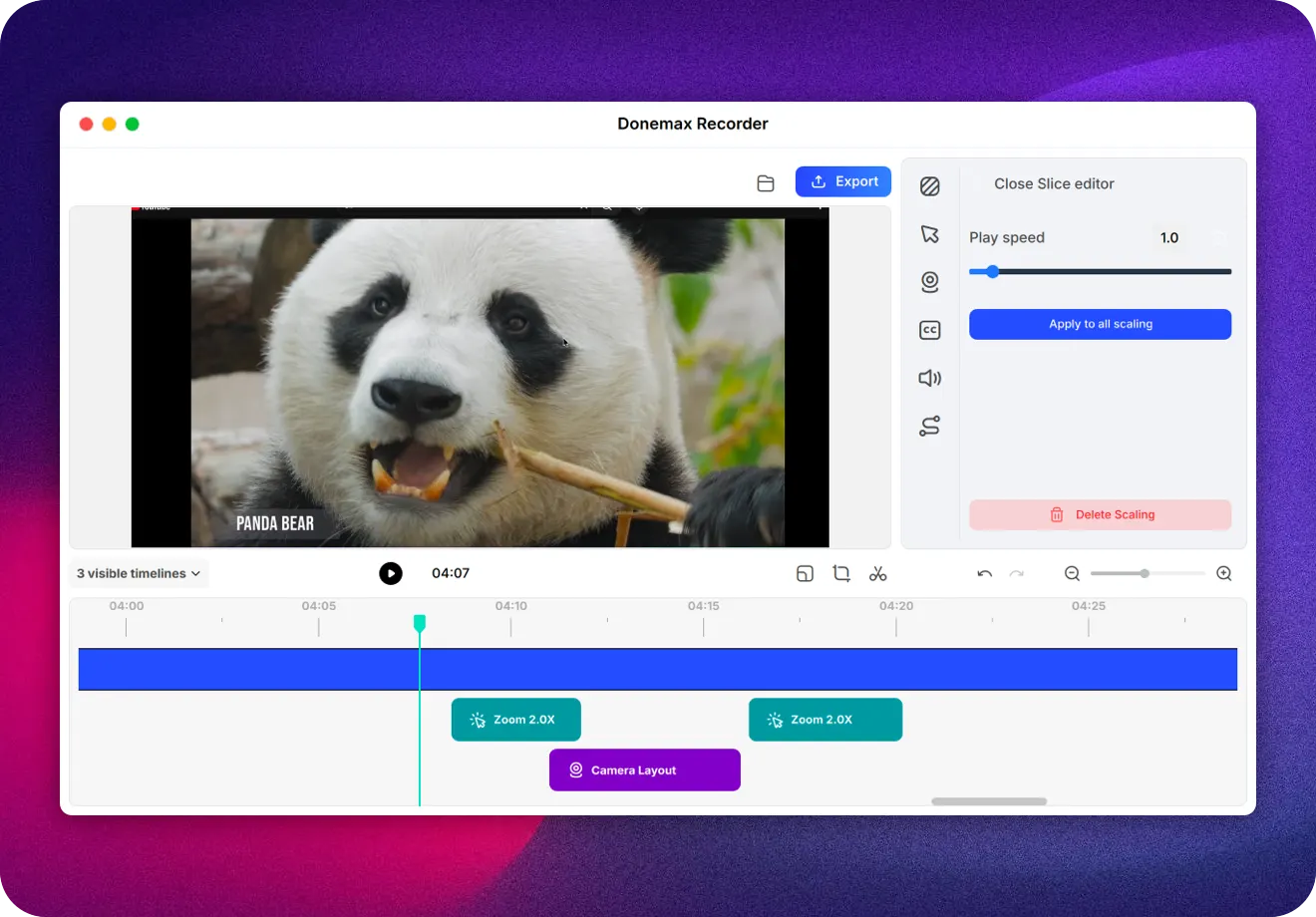
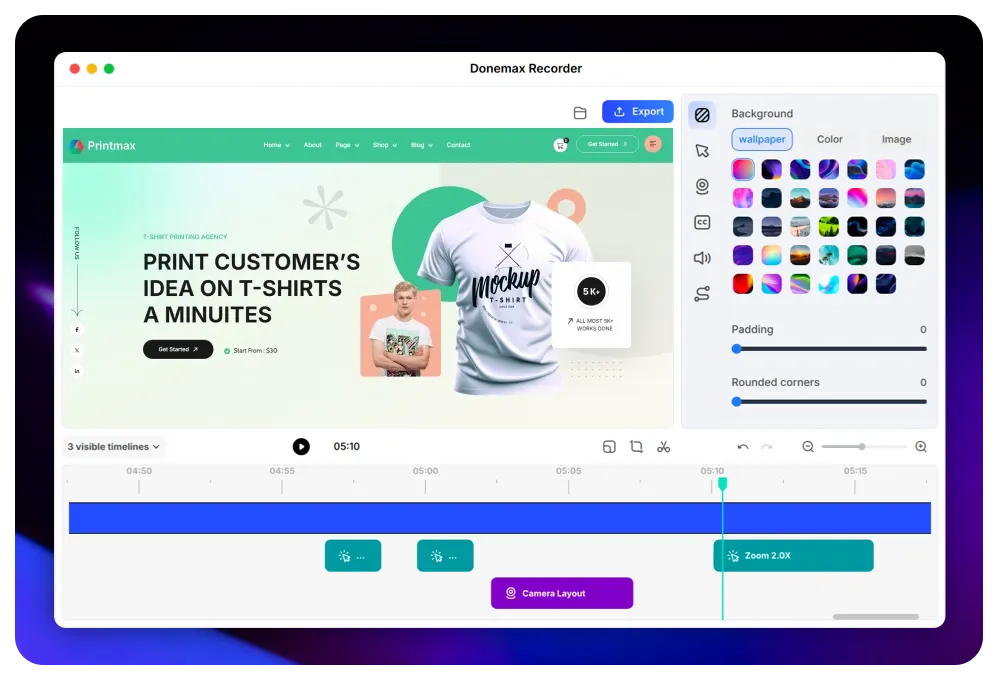
Never lose your viewer's attention. Each click is automatically magnified to emphasize the key detail clearly — without any manual editing.
- Intelligent action detection
- Automatic content focus
- Sustained viewer attention
Donemax Recorder's AI identifies every click and key action, automatically magnifying the important areas — so your video is finished the moment you stop recording. No timeline, no keyframes.
The same four capabilities pros look for in an auto-zoom recorder — built into one simple window.
Never lose your viewer's attention. Each click is automatically magnified to emphasize the key detail clearly — without any manual editing.
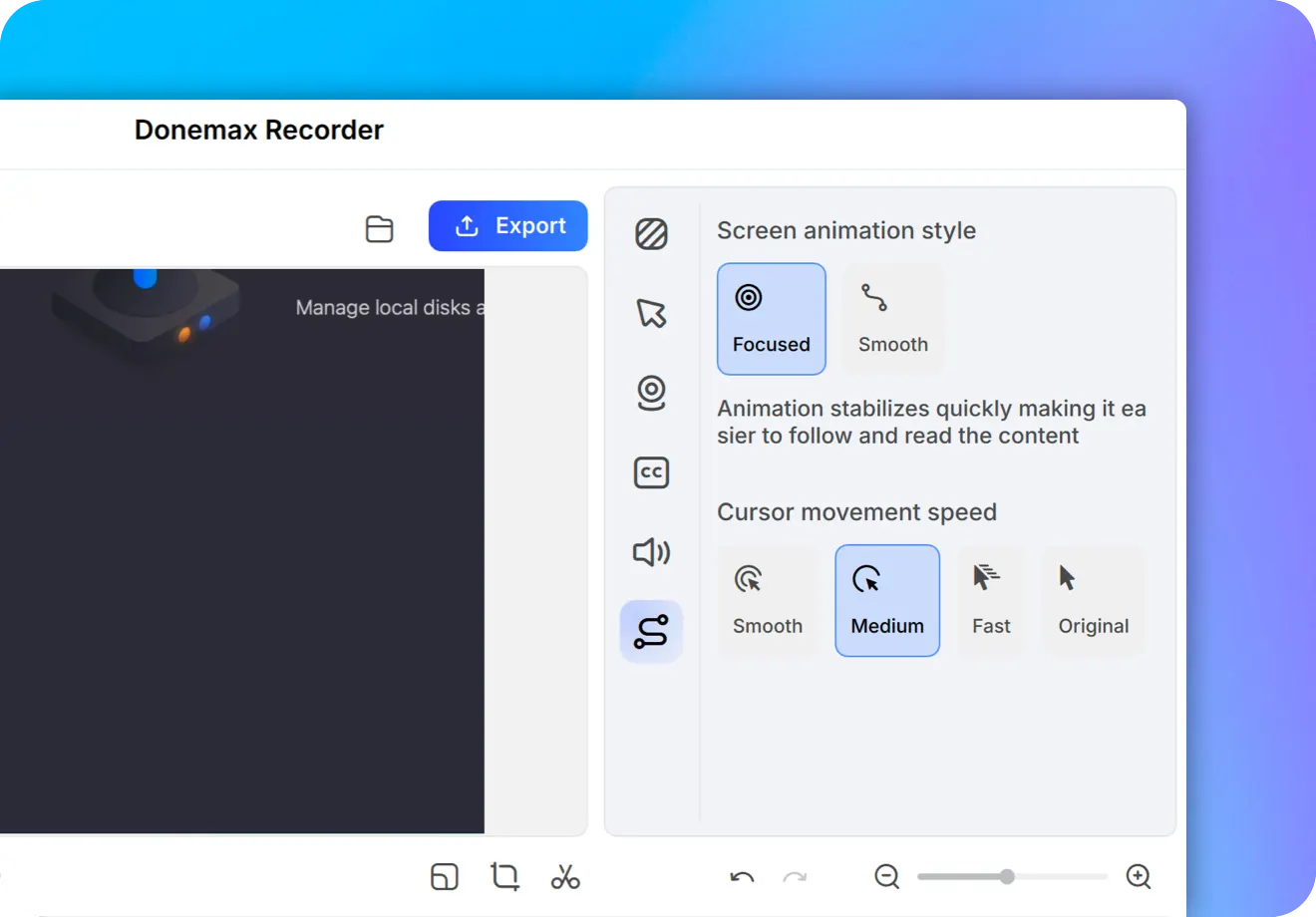
Enjoy smooth, gliding cursor movement during recording. Change its style and speed even after you've finished.
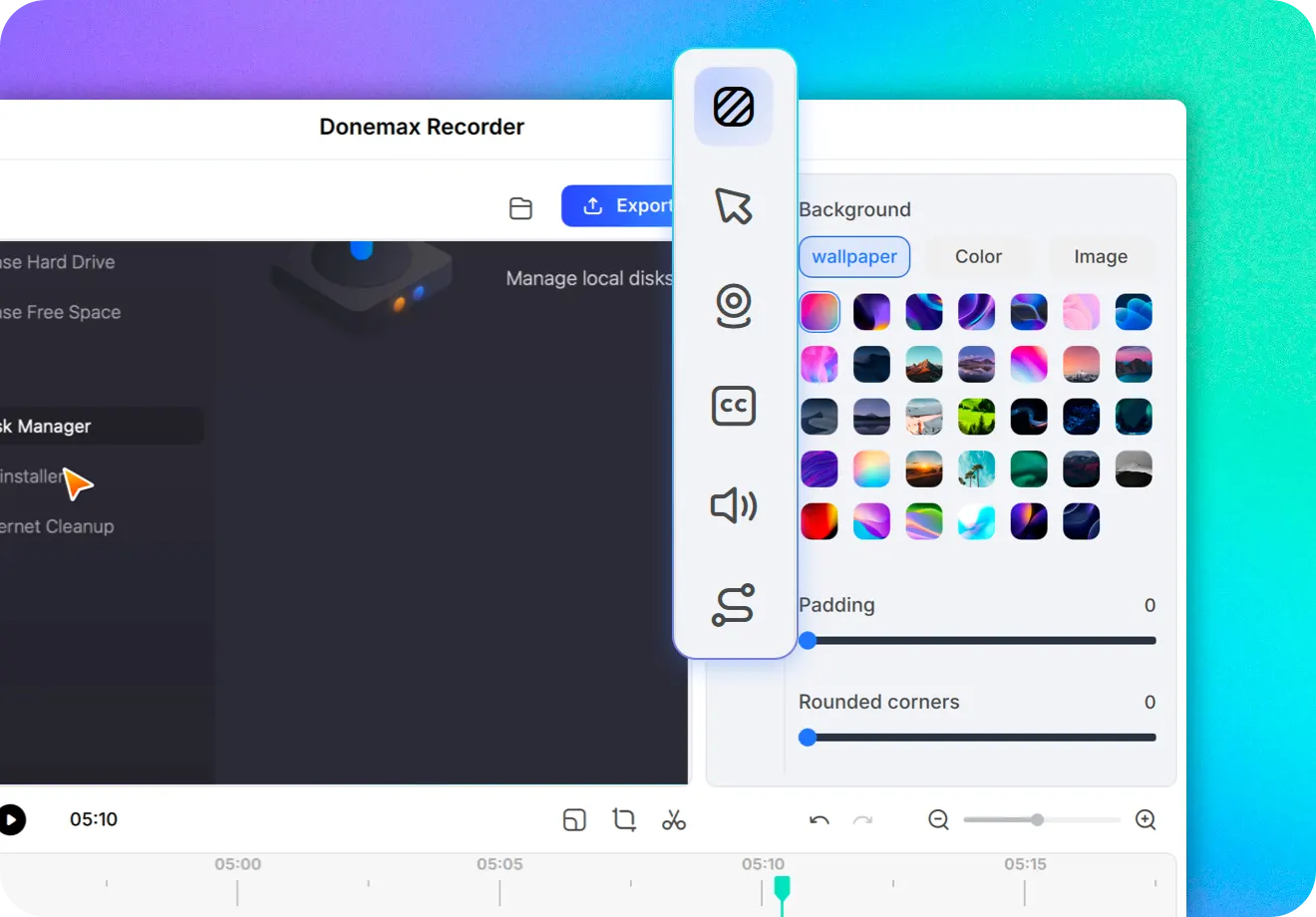
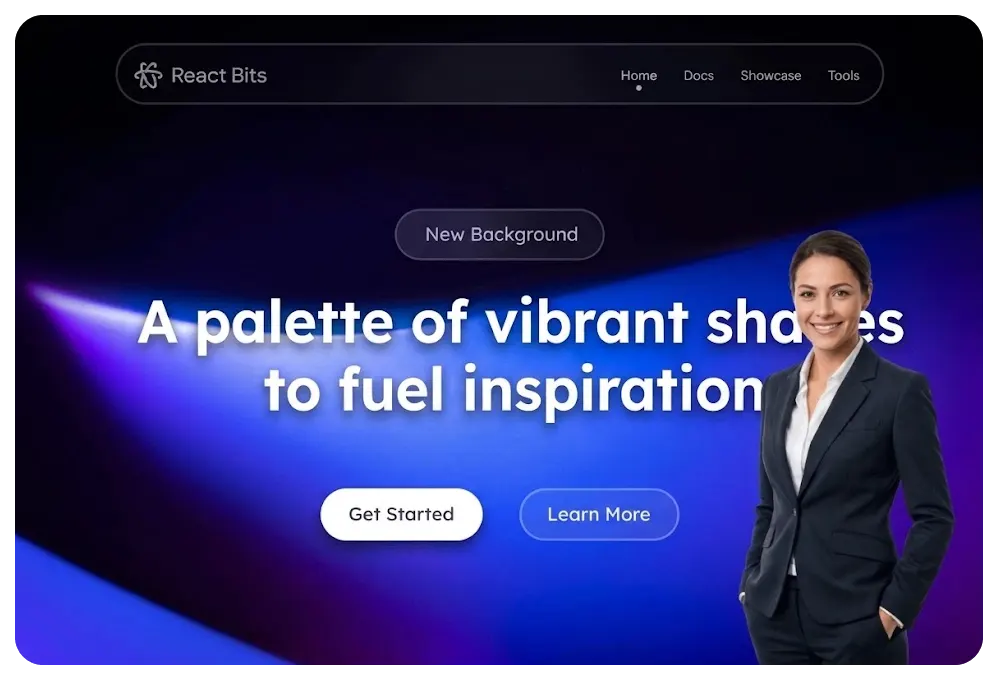
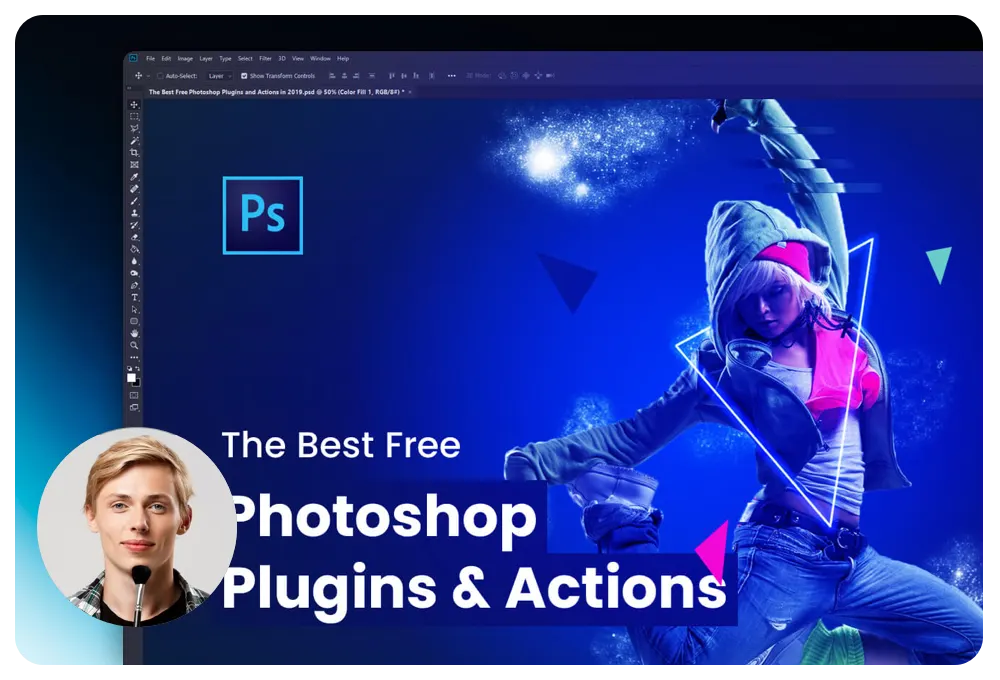
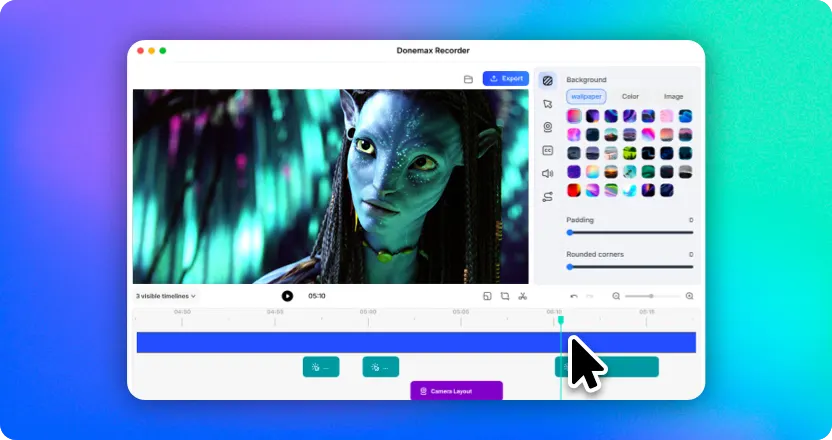
Easily adjust backgrounds, margins, and rounded corners. Reposition and resize your webcam — all with just one click.
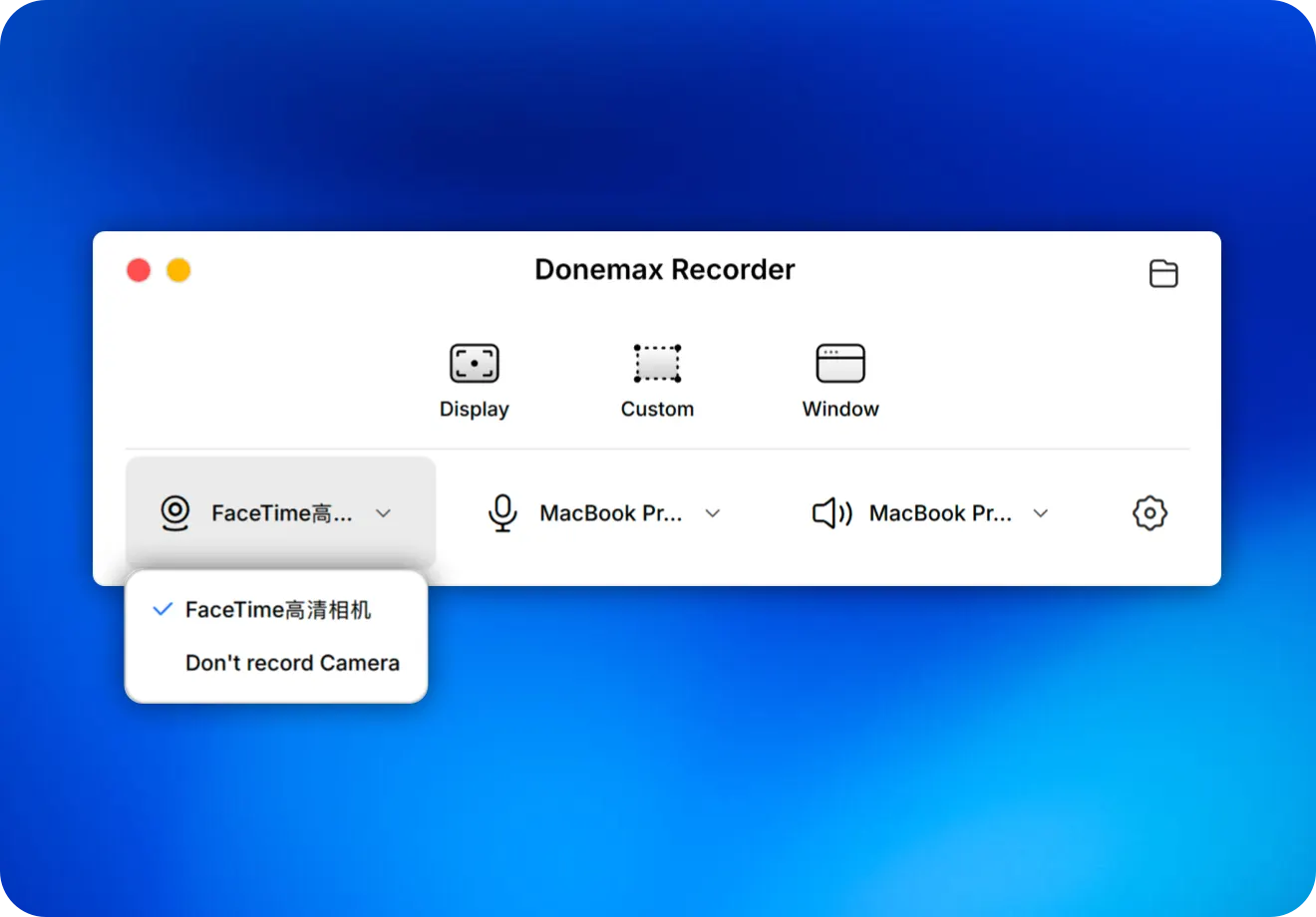
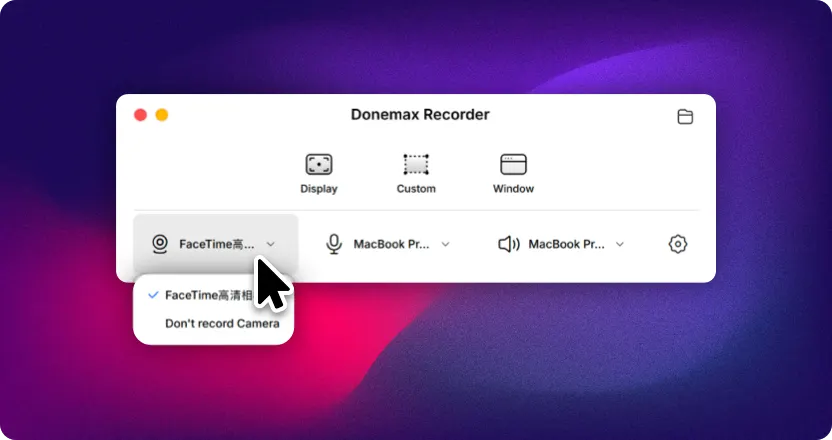
Simple, but powerful. Record webcam, microphone, and system audio — each as its own track.
Eliminate complex editing
Every frame is a blockbuster
Make sharing easier
Create professional videos effortlessly with Donemax Recorder.
"Donemax Recorder has been a game-changer for how we walk clients through new products and features."
"Dramatically boost your productivity — creating easy-to-follow tutorials and how-to videos has never been simpler."
"Transform your online teaching. Make every lesson engaging and deliver knowledge more efficiently."
"No complex editing required — just higher engagement and more clicks."
"Make your product look more polished and close more deals."
"Let your creativity flow — every idea, beautifully executed in no time."
Donemax Recorder has completely transformed my video workflow. The auto-enhancements make my tutorials look incredibly professional!
Using it for product demos has been a game-changer. Clients consistently note the high video quality, and it's significantly boosted our conversion rates.
The auto-zoom feature is amazing! Students say the videos are much easier to follow, and my course completion rates have jumped by 30%.
The silky-smooth screen and cursor animations turned my raw recordings into polished product promos.
When we launched on Product Hunt, the demo video we made helped drive a 40% increase in click-through rates. It made our SaaS product look far more premium than its price tag.
Donemax Recorder is my secret weapon for remote sales. It turns dry software walkthroughs into polished videos that make clients say: "Your product looks incredibly advanced!"
The auto-zoom feature is my favorite — it's made my lessons so much clearer, and students are more engaged than ever.
It's completely changed how I present design concepts to clients. A few seconds of recording now communicates my creative intent more clearly than a long email ever could.
When reporting bugs, being able to record my screen and highlight key points on the spot is incredibly convenient. It's drastically reduced back-and-forth between our developers and QA team.
Recording and enhancement are free to try. Upgrade when you're ready to export without limits.
1 Month license, for 1 Macs
1 Year license, for 3 Macs
Lifetime license, for 3 Macs
Record your screen and adjust settings.
Click through your screen — everything you want to say gets recorded.
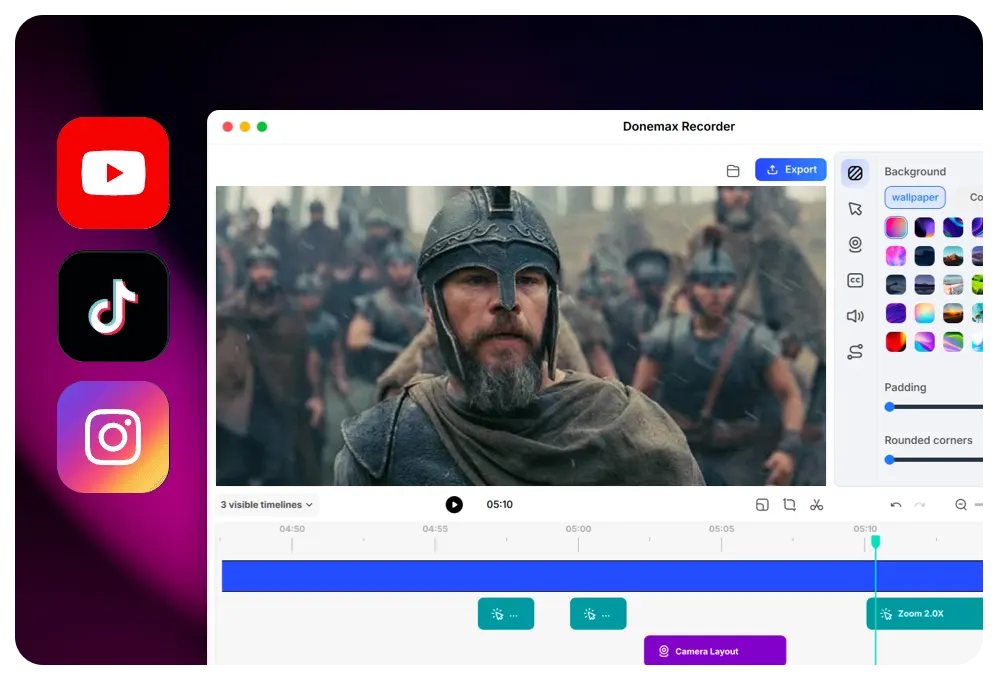
Auto-generate stunning videos with smart zoom — fully editable.
Donemax Recorder is designed to create stunning videos with smart auto-zoom, one-click polish, dynamic layouts, and smooth animations — perfect for anyone looking to produce high-quality, engaging content. A traditional screen recorder is feature-rich yet easy to use — ideal for everyday recording, training sessions, and long-duration video capture.
After you finish recording, zoom effects are automatically added based on your clicks and cursor movements — no manual work required.
Yes, both screen recording and video enhancement features are free to use.
No limits — record and export as much as you want.
Yes — record webcam, microphone, and system audio, then adjust your camera even after recording.
Yes, you can adjust borders, rounded corners, and other visual elements after recording — all in real time.
Yes. We offer a variety of cursor and screen motion effects to make your videos smoother and more engaging. You can also adjust cursor size and style anytime.
We support all common social media aspect ratios — 16:9, 4:3, 9:16, 1:1, 3:4 — plus custom dimensions tailored to your needs.
Yes, our support team is always ready to help with any questions.
Download Donemax Recorder for Windows and macOS. Record once, export in every ratio — no timeline, no keyframes, no editing.
Free version includes recording and enhancement · No account required