
Written byMariaUpdated on Mar 13, 2026

Before we start: Donemax Data Eraser is a reliable tool that can wipe data permanently from digital camera card, hard drive, SSD, and USB flash drive. Especially, when you need to sell the digital camera or other devices, you can use this software to erase data and avoid data recovery.
PAGE CONTENT:
Selling your old gear is a great way to fund a new upgrade, but it can be a bit nerve-wracking if you're worried about your private photos and videos hanging around. If you’re ready to part ways with your Canon, Sony, or GoPro, simply hitting "format" might not be enough to keep your data out of the wrong hands.
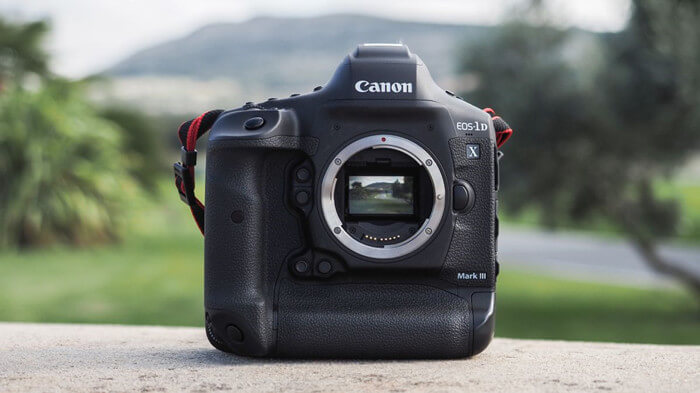
Here is everything you need to know to permanently wipe data from a digital camera and shred photos and videos from a digital camera so they stay gone forever.
Most people think formatting a memory card is like bleaching a whiteboard, but it’s actually more like ripping the table of contents out of a book. The chapters (your photos and videos) are still there; the camera just doesn't know where to find them anymore. Using standard data recovery software, almost anyone can recover those "deleted" files in minutes.
To truly protect your privacy, you need a tool that doesn't just delete files but overwrites them completely.
Donemax Data Eraser is a powerful, user-friendly tool designed to securely and permanently erase data from your digital camera. It’s 100% safe for your hardware and won't shorten the life of your camera or memory card.
Why it Works
This software uses military-grade erasure algorithms to ensure your data is unrecoverable. It supports standards such as:
By overwriting the target data, it ensures that no recovery software—no matter how advanced—can bring your images back to life.
Step 1. Download and install Donemax Data Eraser on your computer. Once installed, connect your digital camera (or the memory card via a reader) to your PC or Mac.
Step 2. Select the Erase Hard Drive mode from the sidebar. This is the "scorched earth" option—it will wipe every bit of data, including existing files and those you previously deleted, leaving absolutely no trace behind.
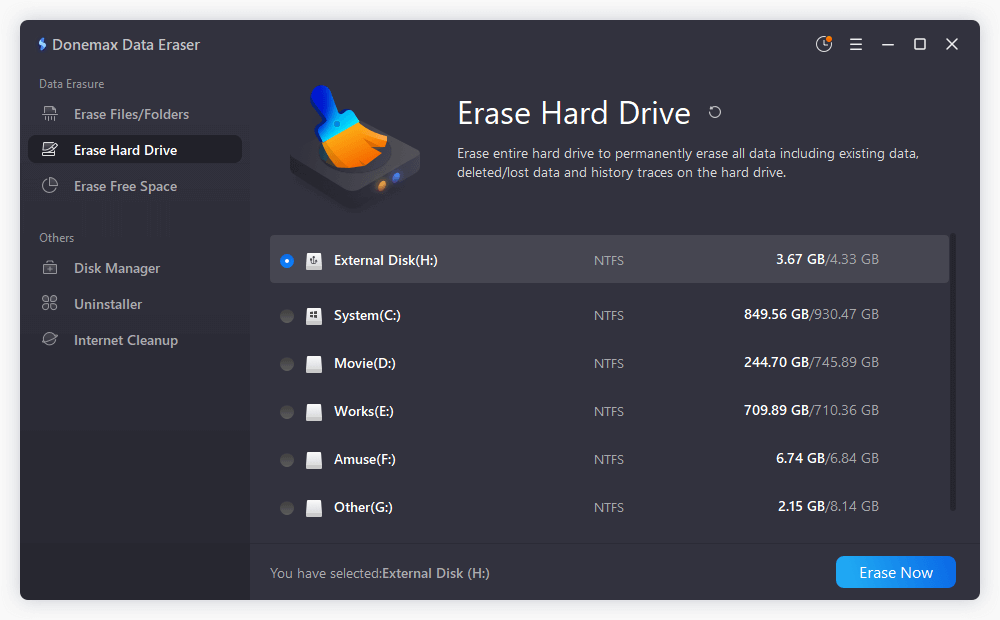
Step 3. Select your digital camera from the list of drives and click the Erase Now button. The software will handle the rest, securely scrubbing the drive until it's factory-fresh.
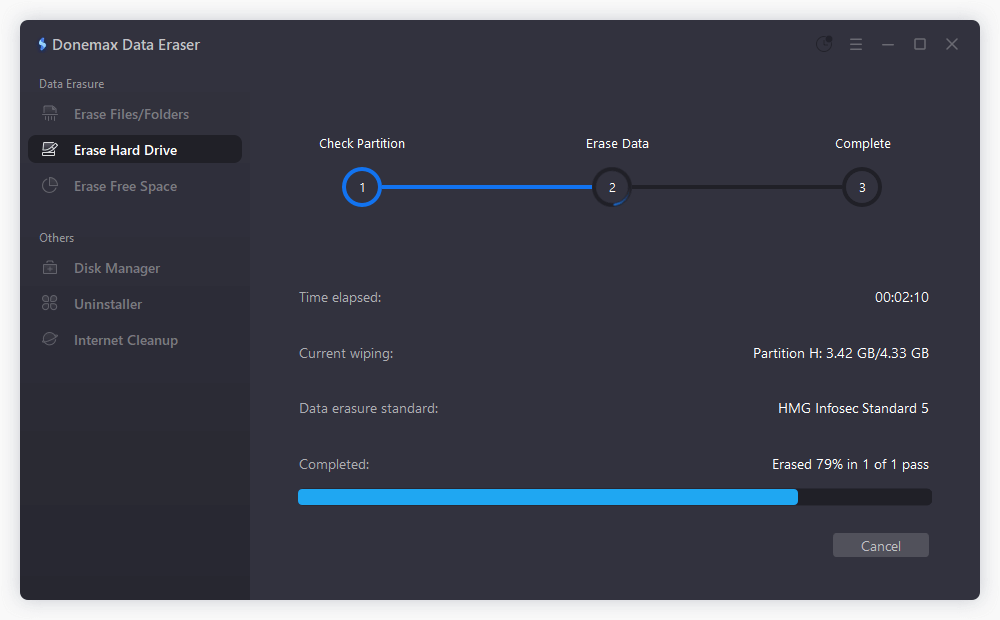
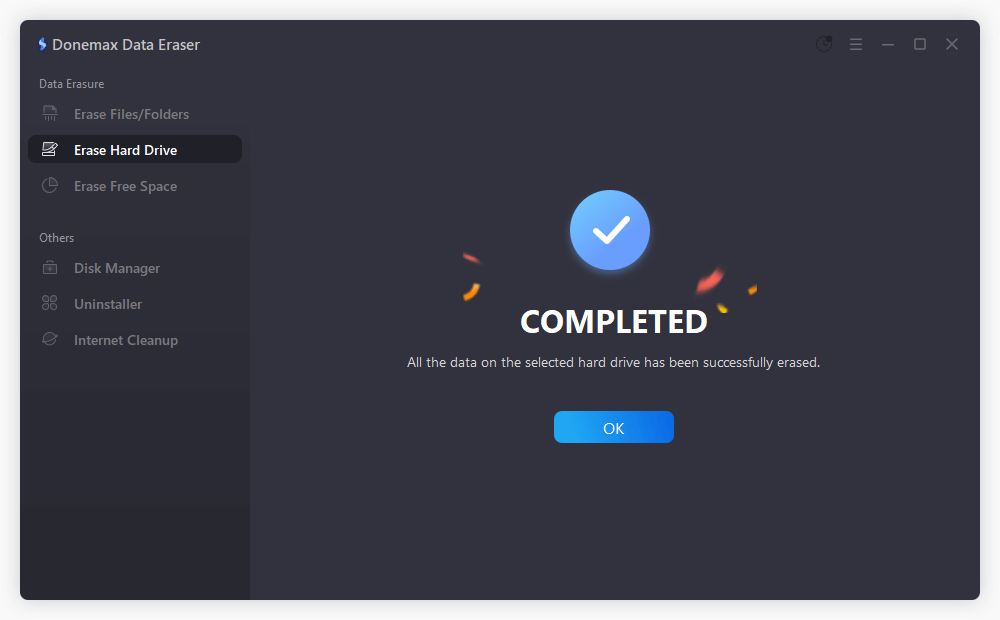
Once the process gets finished, all data in your digital camera is gone forever, can't be recovered by data recovery software. The data erasure operation will not shorten the service life of the digital camera. After wiping all private data, you can sell the digital camera without worrying about that your data could be recovered by other people.
Sometimes you don't want to wipe the whole card. Donemax offers other modes to fit your specific needs:
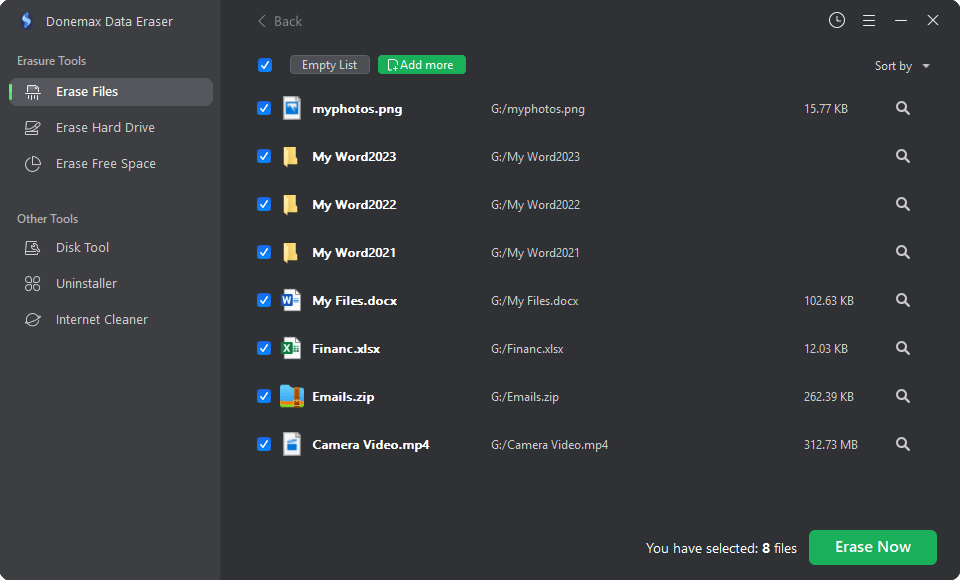
1. Shred Specific Photos and Videos
If you only want to shred photos and videos from a digital camera that are particularly sensitive, use the Erase Files/Folders mode.
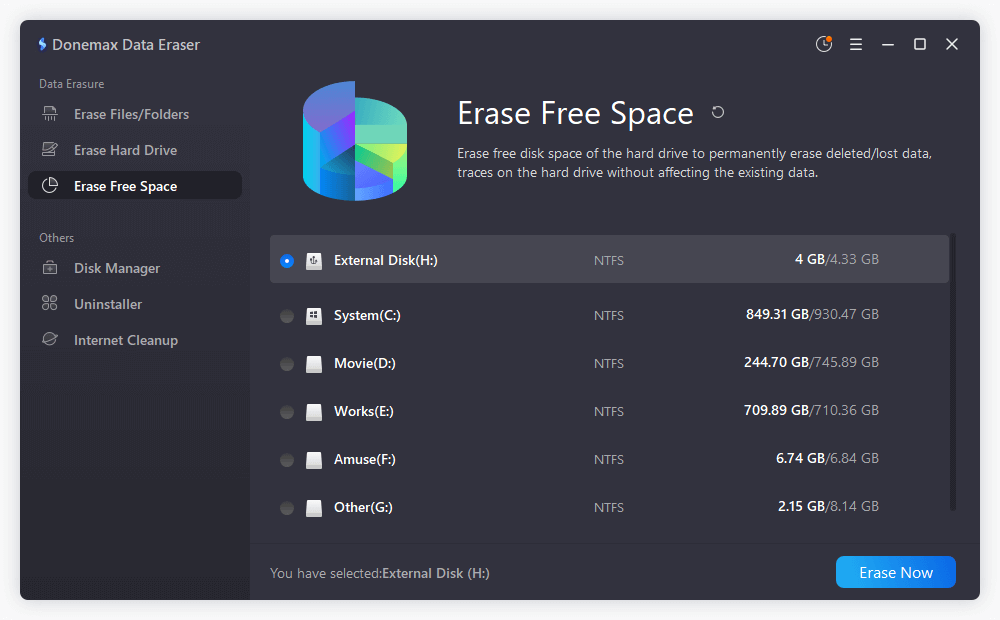
2. Wipe Only Deleted Data
If you've already deleted your photos but realized they are still "recoverable," use the Erase Free Space mode. This wipes the "hidden" data in your empty storage space without affecting any of the photos currently visible on your camera.
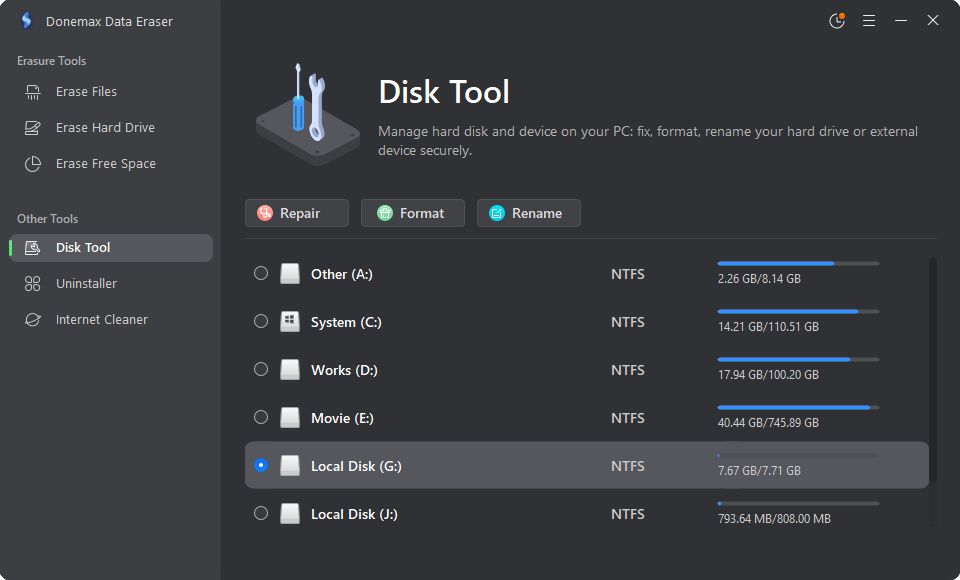
3. Fix a Corrupted Card
If your camera is acting up or the card is corrupted, the Disk Manager tool can help. In most cases, a quick repair or format through this tool will get your card back in working order for its next owner.
This powerful data erasure software supports all types of digital cameras such as GoPro, Sony, Canon, Samsung, etc. It also can help you erase data from PC, Mac, HDD, SSD, USB flash drive, SD card, etc. Before you sell your digital camera, just follow this guide to securely wipe all your private data so that nobody can recover your private photos or videos.
If you have an old digital camera and want to sell it, it's important to wipe the data permanently first. Because a simple formatting will not wipe the data. With the data recovery software, it's able to recover the deleted or formatted data. Donemax Data Eraser can wipe the data from the memory card of the digital camera and ensure the wiped data is no longer recoverable.
Whether you're using a GoPro, a pro-level Canon DSLR, or a simple point-and-shoot, your privacy matters. Don't leave your personal memories to chance.
Donemax Data Eraser
One of the best data erasure programs can permanently delete data. It works on PCs, Macs, HDDs, SSDs, USB drives, digital cameras, and other devices. Once the tool erases the data, no one cannot recover it by any method.
Maria
Maria is one of the senior writers & editors of Donemax who lives and works in Sydney, Australia. She loves PC, Mac and Internet Technology. She has 6 years of writing articles about data recovery on PC/Mac, disk cloning solution, data eraser and computer OS optimization, etc. She is also interested in testing various software and digital products.
Gerhard Chou
In order to effectively solve the problems for our customers, every article and troubleshooting solution published on our website has been strictly tested and practiced. Our editors love researching and using computers and testing software, and are willing to help computer users with their problems