
Written byStevenUpdated on Apr 27, 2026

Before we start: There are different data erasure software available. To check if they actually works, we tested 6 of them. You can check and pick one to help you permanently wipe data, like using Donemax Data Erasure.
PAGE CONTENT:
Finding the right data erasure software shouldn't be a guessing game. When you delete a file normally, it often stays on your hard drive, invisible but recoverable. To ensure your private information is truly gone—especially before selling a PC—you need a professional data erasure tool.

To help you choose, we conducted a manual evaluation for 2 weeks. We tested six leading products under identical conditions to see which ones actually deliver on their promises of security and speed.
To keep things fair, every software was tested on the same machine with the following specs:
| Operating System | Windows 11 Pro (Version 23H2) |
| Processor | 12th Gen Intel(R) Core(TM) i5-12400 @ 2.50 GHz |
| RAM | 16.0 GB |
| Internal Storage | 447.13 GB KINGSTON SA400S37 HDD |
| External Storage | Cruzer Glide 3.0 256G |
| Test Time | 2 Weeks |
Before diving into the hard numbers, here is a quick look at our contenders:
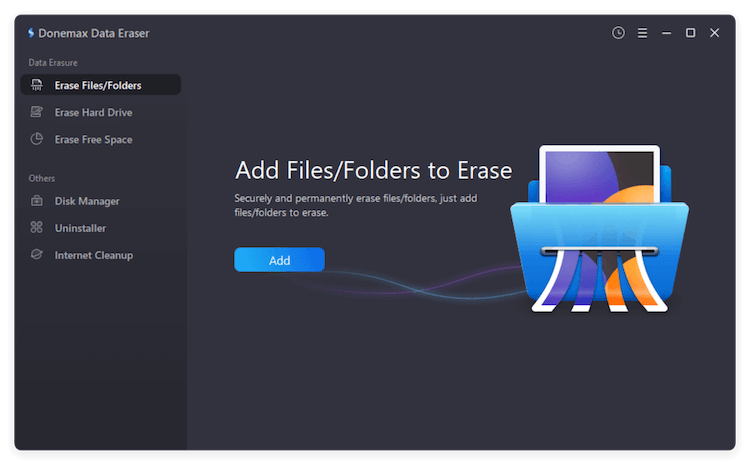
The all-rounder. It is exceptionally fast and packed with extra utilities like an uninstaller and disk manager.
Pros
Cons
Best for: Power users and those needing a complete system cleanup.
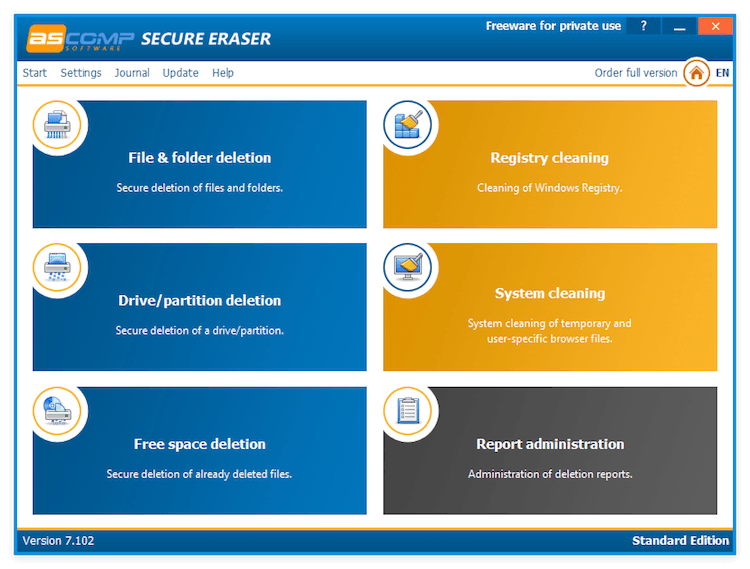
A specialized tool with incredible language support (21 languages) and a unique registry cleaning feature.
Pros
Cons
Best for: International users and maintaining Windows registry health.
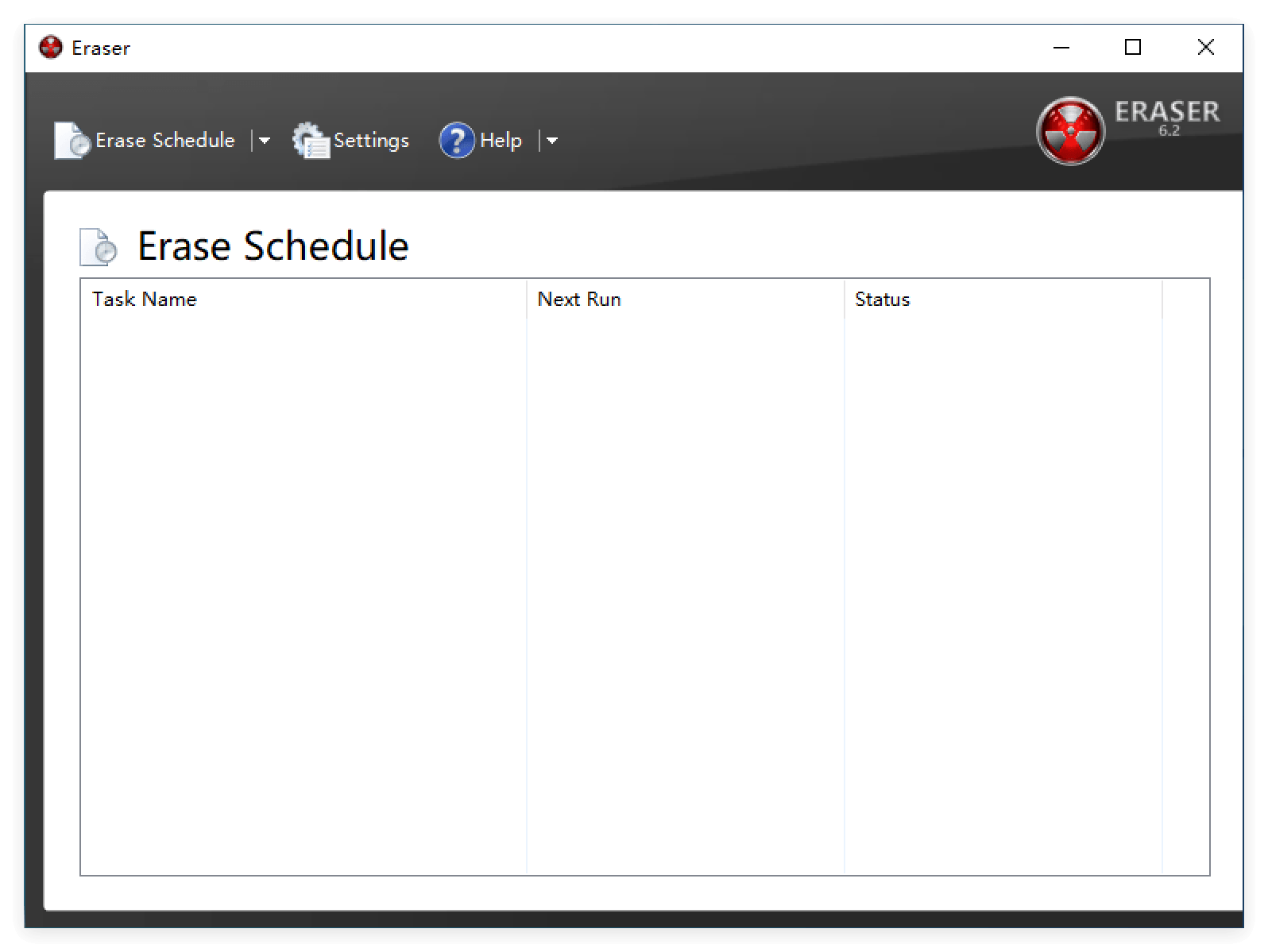
A classic, open-source-style tool that supports a massive 13 different erasure algorithms.
Pros
Cons
Best for: Users who want maximum control over the "shredding" method.
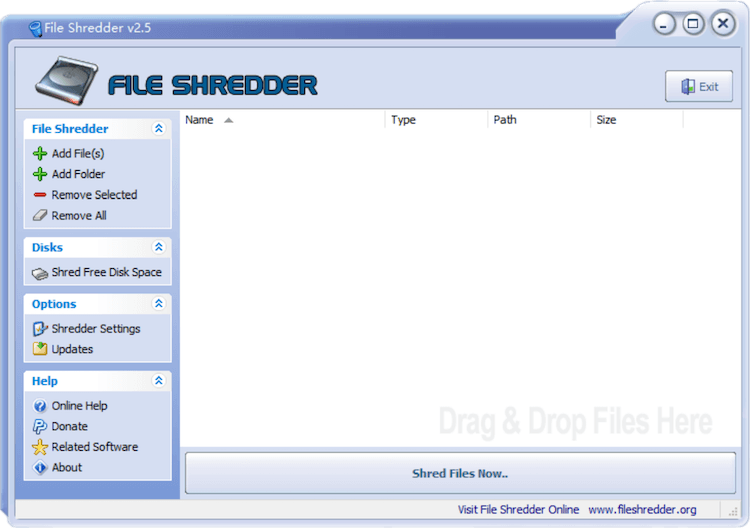
A simple, lightweight utility that gets the job done without any fluff.
Pros
Cons
Best for: Users who want a no-frills, free file shredder.
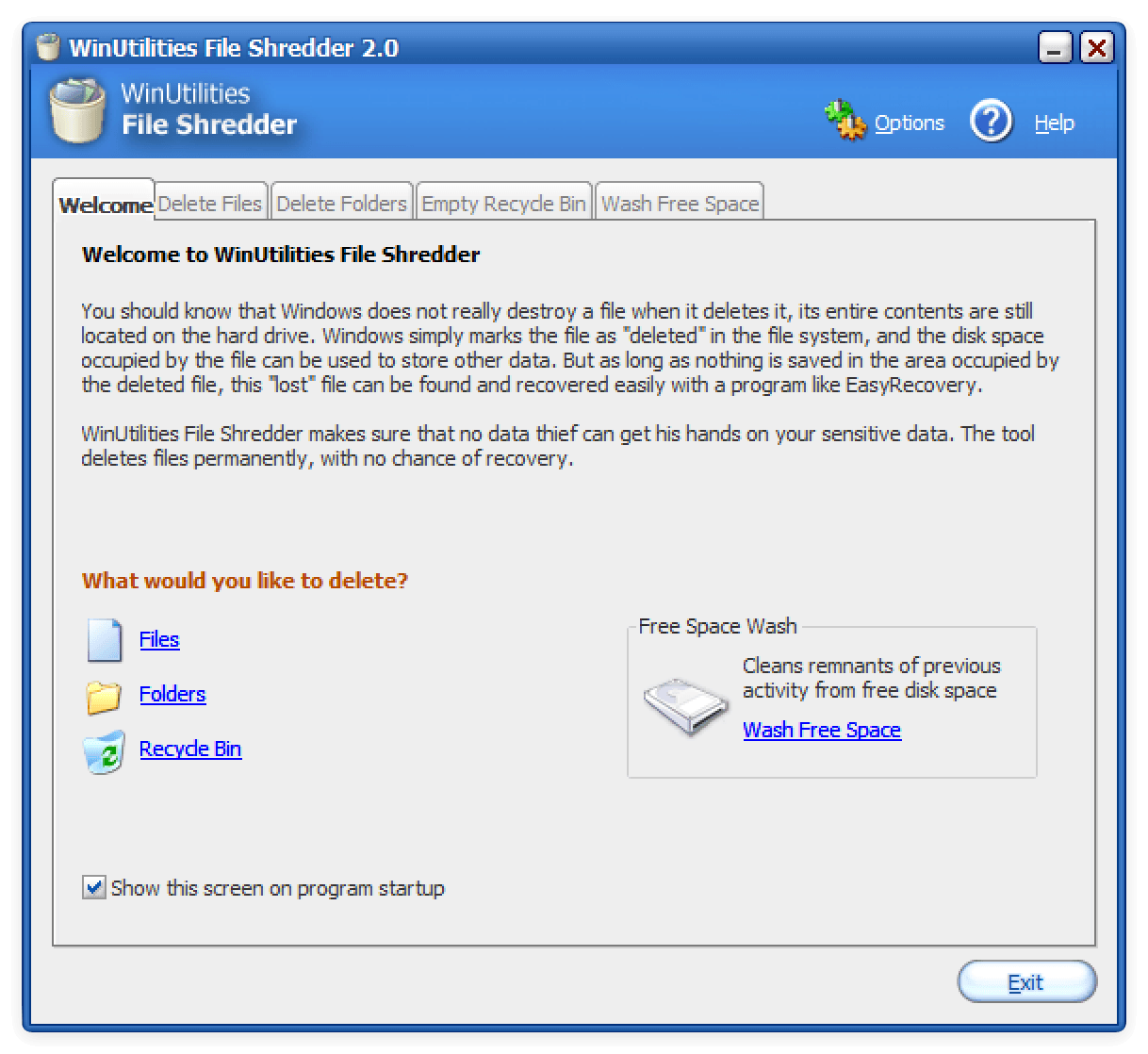
It's a more basic tool for data wiping. The tool offers some basic functionality, like file/folder shredding and wiping disk free space. It struggled in our deep-level directory and data recovery tests.
Pros
Cons
Best for: Very basic file removal tasks where high security isn't the primary concern.
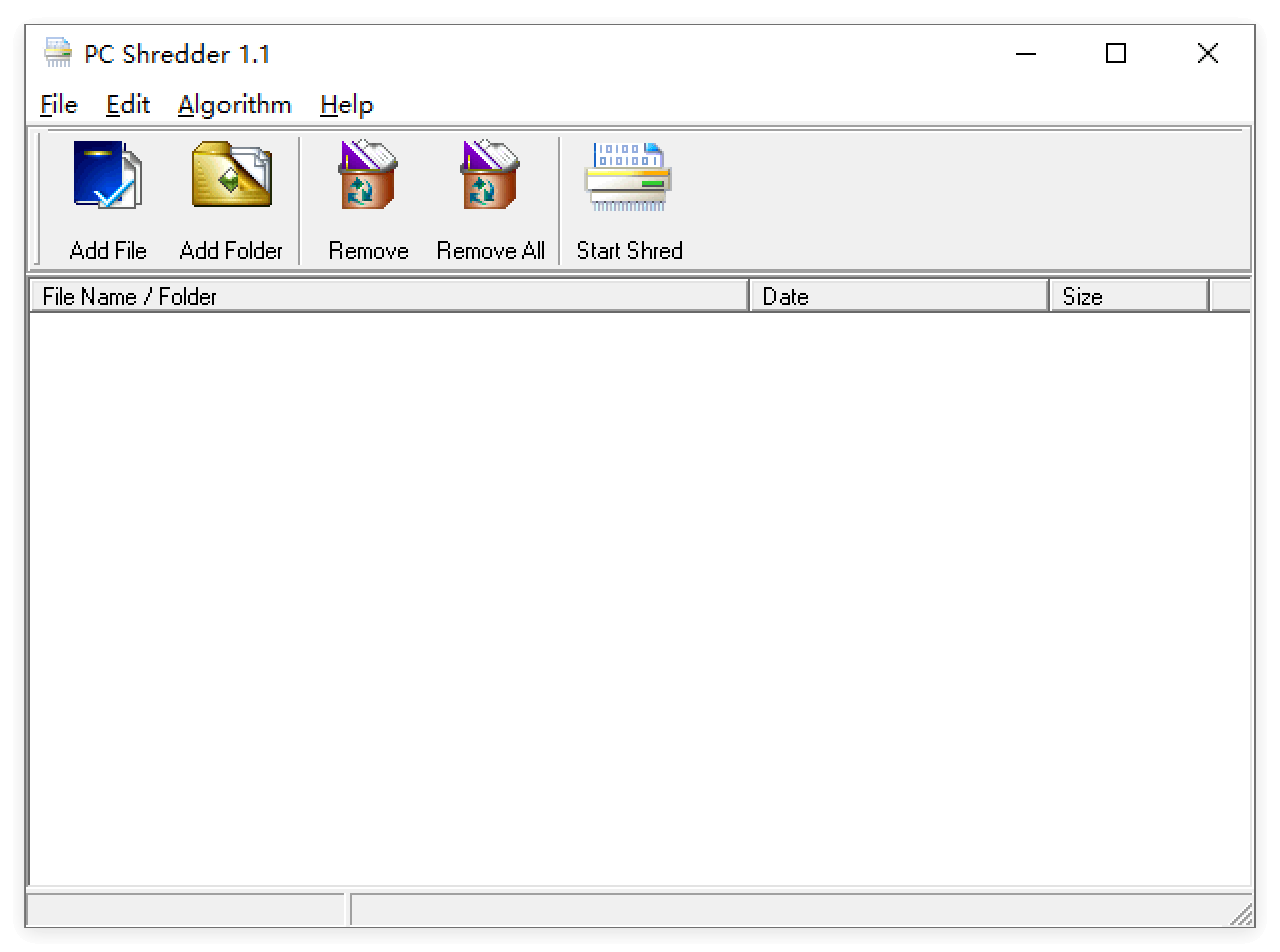
PC Shredder is a free file shredder tool, can permanently delete files, folders and make them irrecoverable. As a simple and tiny tool, users can use it to accomplish some simple tasks.
Pros
Cons
Best for: Completely shred the existing files or folders you specify.
|
Product |
Shred files and folders |
Multilingual Support |
Multiple Erasure Algorithms |
Right-click Menu |
Wipe Partition |
Wipe Free Space |
Clear Browsers |
Additional Functions |
Wiping Report |
Handling for SSDs |
|---|---|---|---|---|---|---|---|---|---|---|
|
Donemax Data Eraser |
✅ |
✅ (8) |
✅ (7) |
✅ |
✅ |
✅ |
✅ |
Disk Manager, Uninstaller, Internet Cleanup |
✅ (HTML and PDF) |
✅ |
|
Secure Eraser |
✅ |
✅ (21) |
✅ (5) |
✅ |
✅ |
✅ |
✅ |
Clear Registry, System clean |
✅ |
✅ |
|
Eraser |
✅ |
✅ (4) |
✅ (13) |
✅ |
✅ |
✅ |
❌ |
❌ |
Log available |
❌ |
|
File Shredder |
✅ |
❌ |
✅ (5) |
✅ |
❌ |
✅ |
❌ |
❌ |
❌ |
❌ |
|
WinUtilites File Shredder |
Shred files and folders separately |
❌ |
✅ (4) |
❌ |
❌ |
✅ |
❌ |
Clear Recycle bin |
❌ |
❌ |
|
PC Shredder |
Shred files and folders separately |
❌ |
✅ (4) |
❌ |
❌ |
❌ |
❌ |
❌ |
❌ |
❌ |
We pushed these tools to their limits to see how they perform in real-world scenarios.
Speed is often the biggest bottleneck. Donemax Data Eraser dominated the internal HDD test at 24GB/min, while Secure Eraser and Eraser followed at 3GB/min and 2.7GB/min respectively. For external drives, Donemax and Eraser were the most efficient, both reaching or nearing 1GB/min.
Can the files be brought back?
Donemax and Eraser passed perfectly; we could not find any trace of wiped files.
Secure Eraser unfortunately left files findable in deep-level directories.
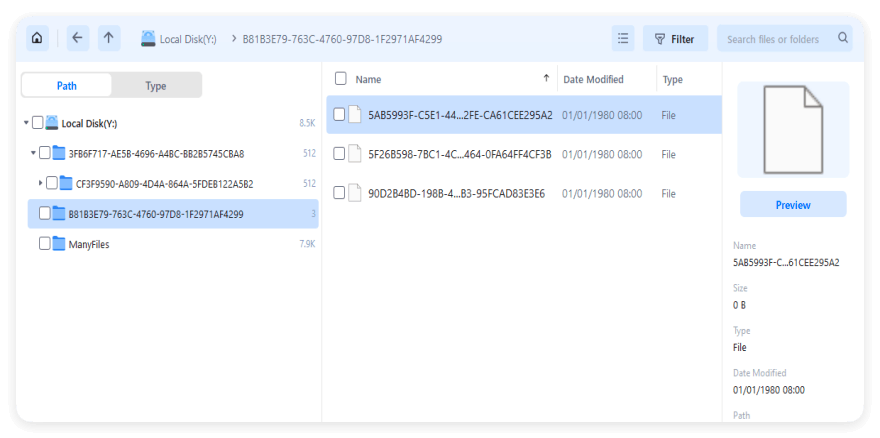
WinUtilities File Shredder, PCShredder, and File Shredder all failed to some degree, leaving behind file names, dates, or metadata. For example, File Shredder can wipe the data, but data recovery tool can find the full names for the folders/files, even in 0KB.
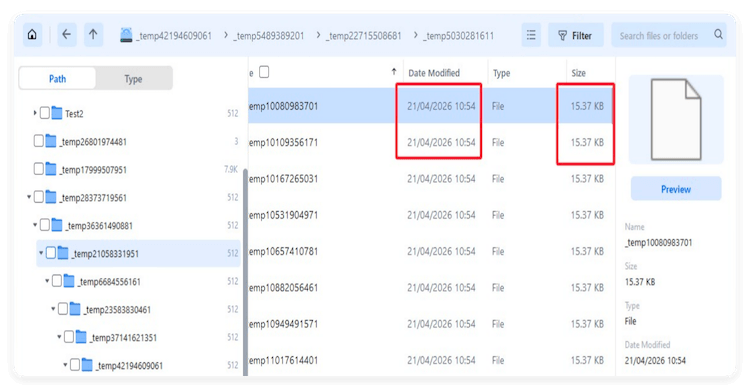
The data recovery software find the names of the wiped folders after shredding with WinUtilities File Shredder.
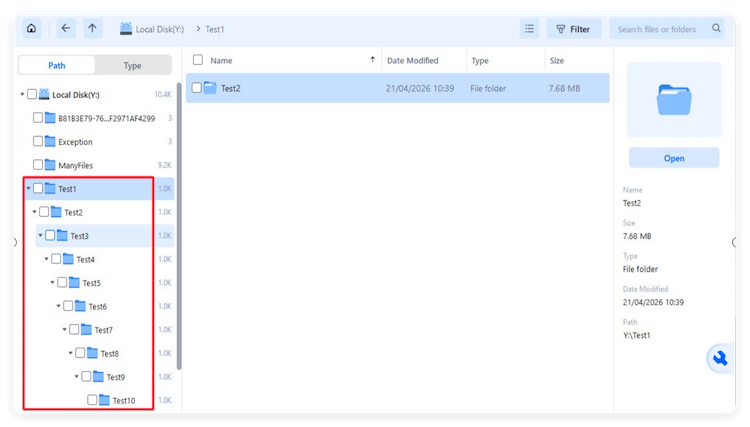
After shredding with PCShredder, the folder names are replaced, however, it's able to locate the date and size information of shredded files.
If you have complex file structures or files named with symbols, you need a tool that won't crash.
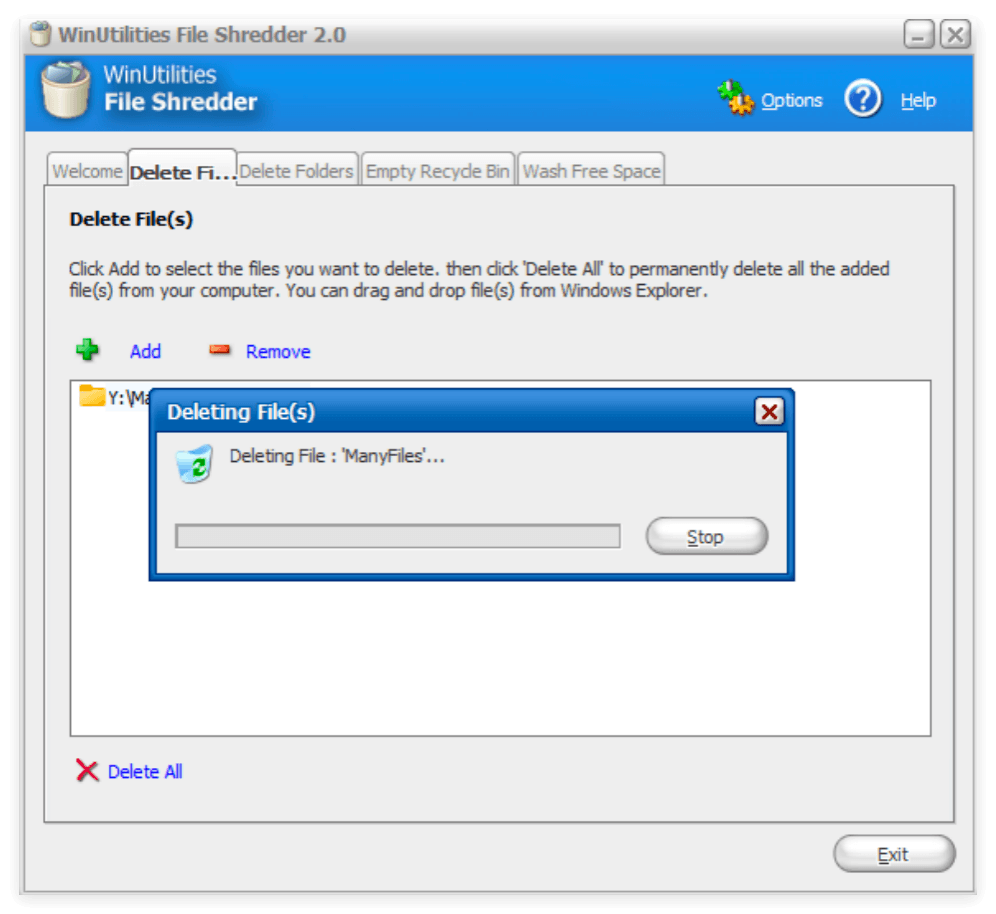
Large Amounts of Files: We put 7936 small files to the same folder for testing. Donemax, PCShredder, File Shredder, Eraser, and Secure Eraser all handled massive file batches successfully.
WinUtilities File Shredders cannot move on after a long time.
Special Characters:
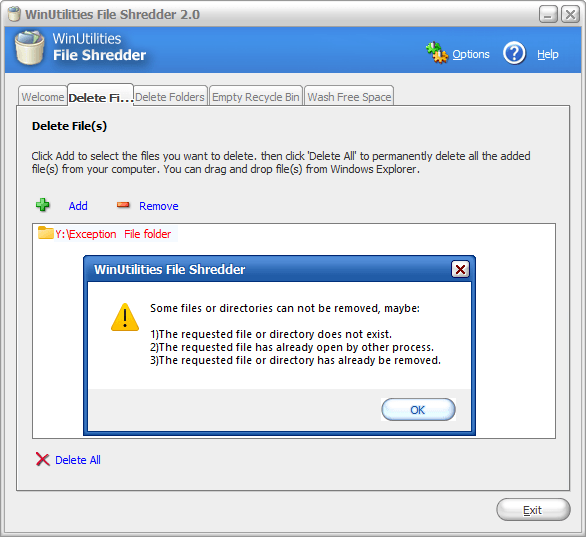
PCShredder could not handle files with special characters and you cannot even add these files to the software, while Donemax, File Shredder and Secure Eraser handled them with ease.
Eraser seems work but there will be error message pop up once it's done. WinUtilities File Shredder also failed to handle the files with special characters.
|
|
Internal HDD Wiping Speed |
External HDD Wiping Speed |
Data Recovery Test |
Wiping Large Disk (>4TB) |
Wipe Large Amounts of Files |
Deep-level directories |
Wipe Files with Special Characters |
|---|---|---|---|---|---|---|---|
|
Donemax Data Eraser |
24GB/min |
1GB/min |
Cannot find any wiped files |
✅ |
✅ |
✅ |
✅ |
|
Secure Eraser |
3GB/min |
864MB/min |
Find files in deep-level directories |
✅ |
✅ |
✅ |
✅ |
|
Eraser |
2.7GB/min |
960MB/min |
Cannot find any wiped files |
✅ |
✅ |
✅ |
Seems work, but there is error. |
|
File Shredder |
- |
- |
Find names of wiped files, but in 0KB |
- |
✅ |
✅ |
✅ |
|
WinUtilites File Shredder |
- |
- |
Find the names of the wiped files |
- |
Cannot finish |
✅ |
❌ |
|
PC Shredder |
- |
- |
Find the date and size information of wiped files |
- |
✅ |
✅ |
❌ |
After our extensive testing in April 2026, here is our expert advice:
The Best Overall: Donemax Data Eraser. It is the fastest, most secure, and offers the best features for modern systems (including SSD support and large drive handling).
Best for Security Purists: Eraser is a great secondary option due to its sheer number of algorithms and successful recovery test, though it can be a bit slower.
Best for Multilingual Support: Secure Eraser is the clear winner if you need an interface in a language other than English or want to clean your registry simultaneously.
Donemax Data Eraser
One of the best data erasure programs can permanently delete data. It works on PCs, Macs, HDDs, SSDs, USB drives, digital cameras, and other devices. Once the tool erases the data, no one can recover it by any method.
Steven
Steven has been a senior writer & editor of Donemax software since 2020. He's a super nerd and can't imagine the life without a computer. Over 6 years of experience of writing technical solutions and software tesing, he is passionate about providing solutions and tips for Windows and Mac users.
Gerhard Chou
In order to effectively solve the problems for our customers, every article and troubleshooting solution published on our website has been strictly tested and practiced. Our editors love researching and using computers and testing software, and are willing to help computer users with their problems