
Written byChristinaUpdated on May 19, 2026

Before we start: Duplicate files can lead to Mac slow down and take too much disk space.With a tiny cleanup tool, like Donemax DMcleaner for Mac, you can remove the duplicated files easily to free up space and speed up your Mac.
PAGE CONTENT:
Have you ever noticed that your Mac is suddenly running low on storage space, even though you haven't downloaded any massive new apps or movie files? You are not alone. Duplicate files are one of the most common yet overlooked problems on Mac systems today. Over time, multiple copies of similar documents, family photos, identical videos, and repeated downloads can quietly accumulate, consuming precious gigabytes and slowing down your system's overall efficiency.
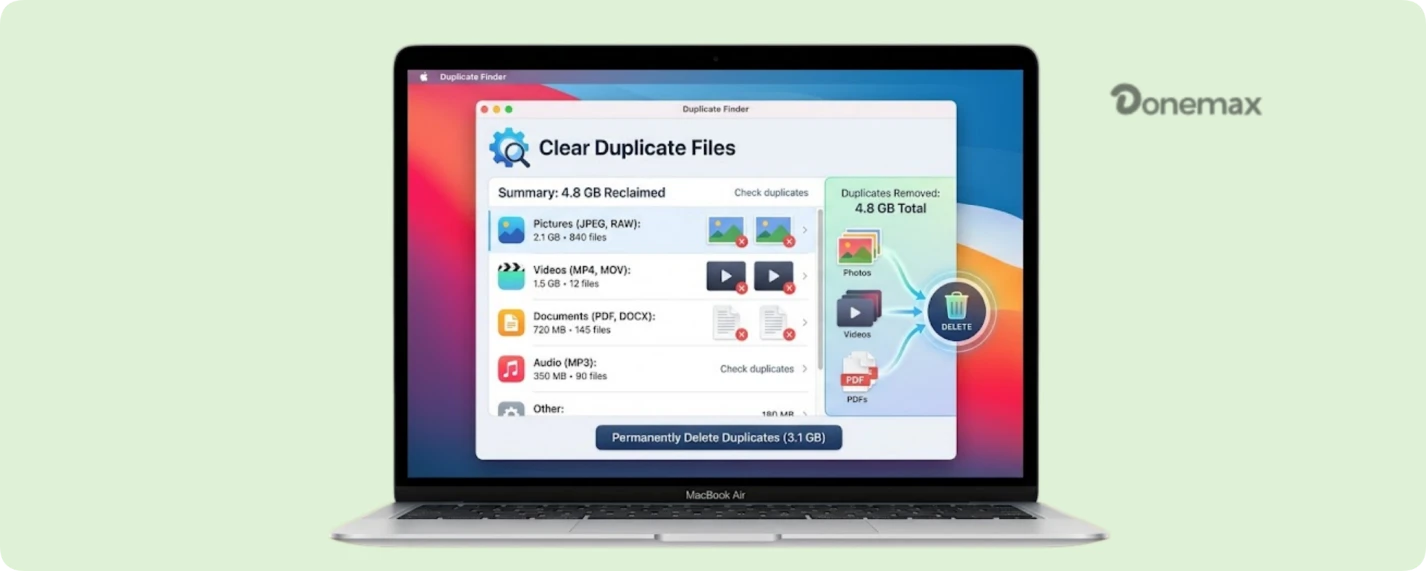
In this ultimate guide, we will break down exactly why these identical files occur, outline the key features to look for when choosing a Mac cleanup tool, review the best software choices available in 2026, and share step-by-step best practices to remove duplicates on Mac without losing your essential data.
It's easy to assume your computer only stores exactly what you tell it to, but everyday activity naturally spawns clones behind the scenes. Understanding how these duplicates are created is the first step toward keeping your system organized. Here are the main culprits:
When these duplicate files go unchecked, they create a cascading negative impact on your user experience. Not only do they waste your expensive Apple solid-state drive (SSD) storage space, but they also cause your local Time Machine backups to run significantly slower. Furthermore, they clutter your visual workspace layout, making it much harder to find the specific documents or media files you actually need.
If you are looking for the absolute best balance of scanning speed, modern security, and sheer ease of use, our top recommendation is Donemax DMcleaner for Mac. This all-in-one macOS optimization and cleaning suite is custom-engineered to handle cluttered storage systems with a highly accurate Duplicate Finder module built directly into its core interface.
Why Donemax DMcleaner Wins for Home Users:
Unlike single-purpose tools, DMcleaner provides a holistic cleaning ecosystem. Its duplicate finder analyzes your entire SSD byte-by-byte in seconds, showing you exactly what is safe to erase. Coupled with its advanced application uninstaller, cache purger, and disk visualizer, it gives you everything you need to keep macOS running like new.
With a clear, single-click interface, DMcleaner eliminates the learning curve completely. It offers safe smart-selection algorithms that automatically highlight redundant copies while protecting your original files and primary system architectures, making it the perfect tool for beginners and families alike.
/images/screenshots/mac-cleaner/duplicate-cleaner2.png
Here are some of the most effective tools for identifying and removing duplicate files on Mac:
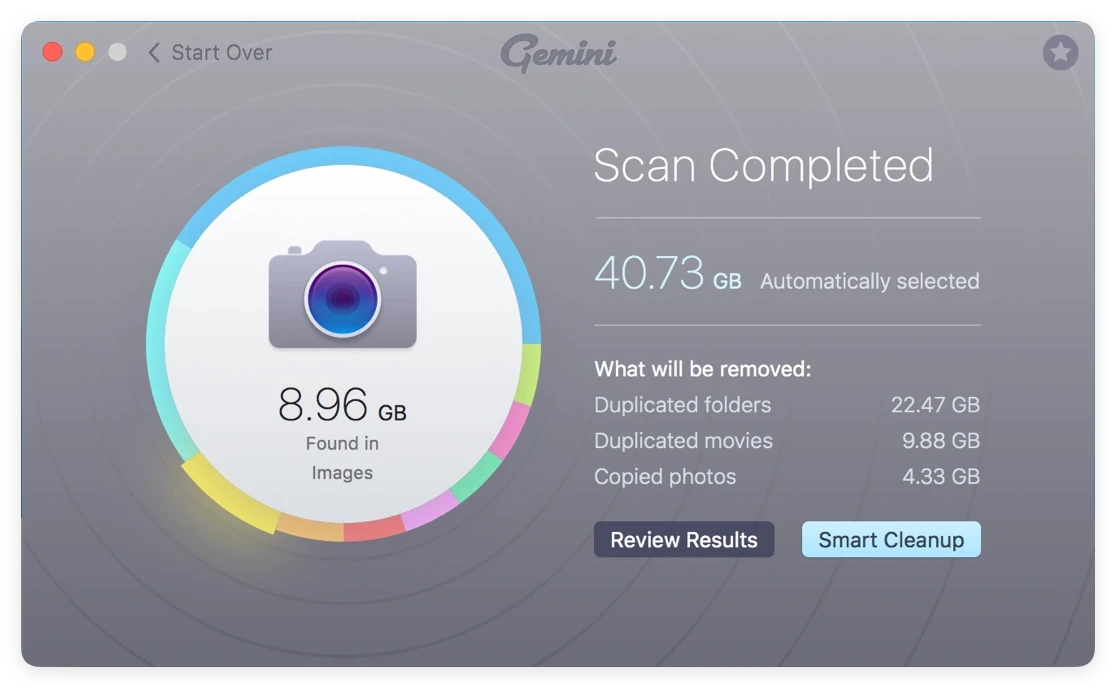
Gemini 2 is regarded as one of the most intuitive and powerful duplicate file finders for macOS. It uses AI-driven algorithms to detect exact duplicates and similar files (e.g., photos with minor edits).
Key Features:
Pros
Cons
Best For: Users who want a fast, automated, and beginner friendly experience.
Use Tip: Run Gemini 2 monthly to prevent duplicates from building up and slowing your Mac.
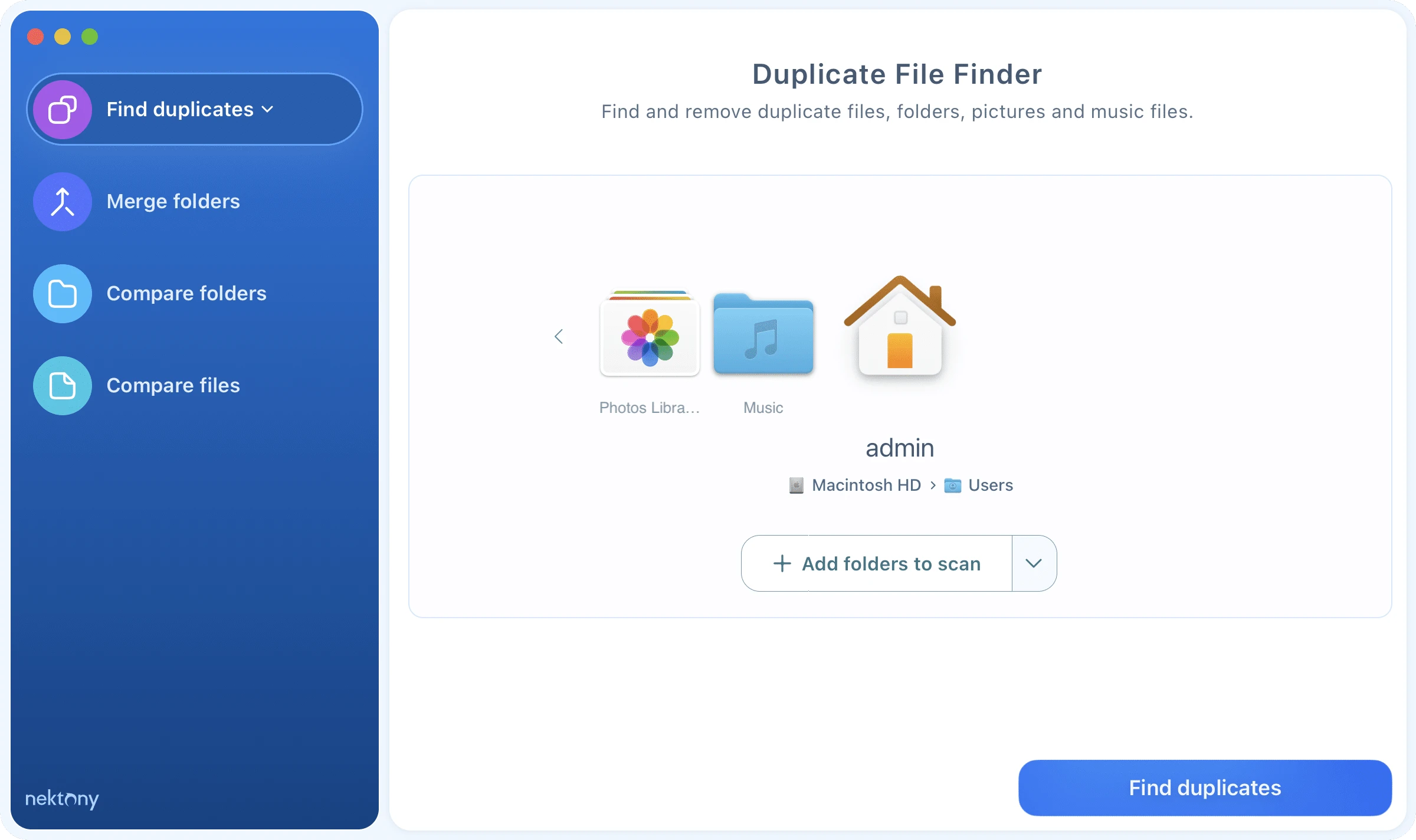
This Mac app is ideal for users who want custom scan control without paying premium prices. It lets you compare folders and preview duplicates before deletion.
Key Features:
Pros
Cons
Best For: Users who want more control over scanning and aren't ready to pay for premium tools.
Use Tip: Scan specific folders (e.g., Downloads or Pictures) before a full disk scan to quickly free up space.
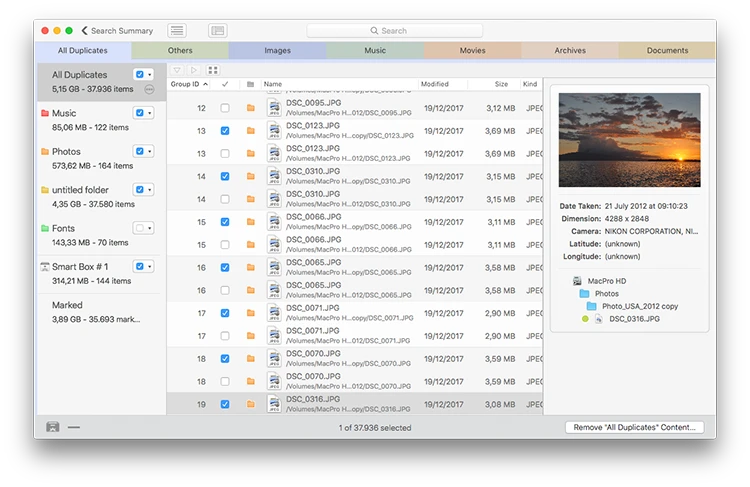
Tidy Up 6 is a power user oriented duplicate finder with advanced search criteria and filtering. It's ideal for complex file structures and large media libraries.
Key Features:
Pros
Cons
Best For: Advanced users and professionals managing large volumes of files (e.g., photographers, editors).
Use Tip: Use the "Content Comparison" mode when you suspect duplicates that differ only by filename.
Easy Duplicate Finder is a structured, guided solution that simplifies duplicate detection and cleanup across both local and cloud locations.
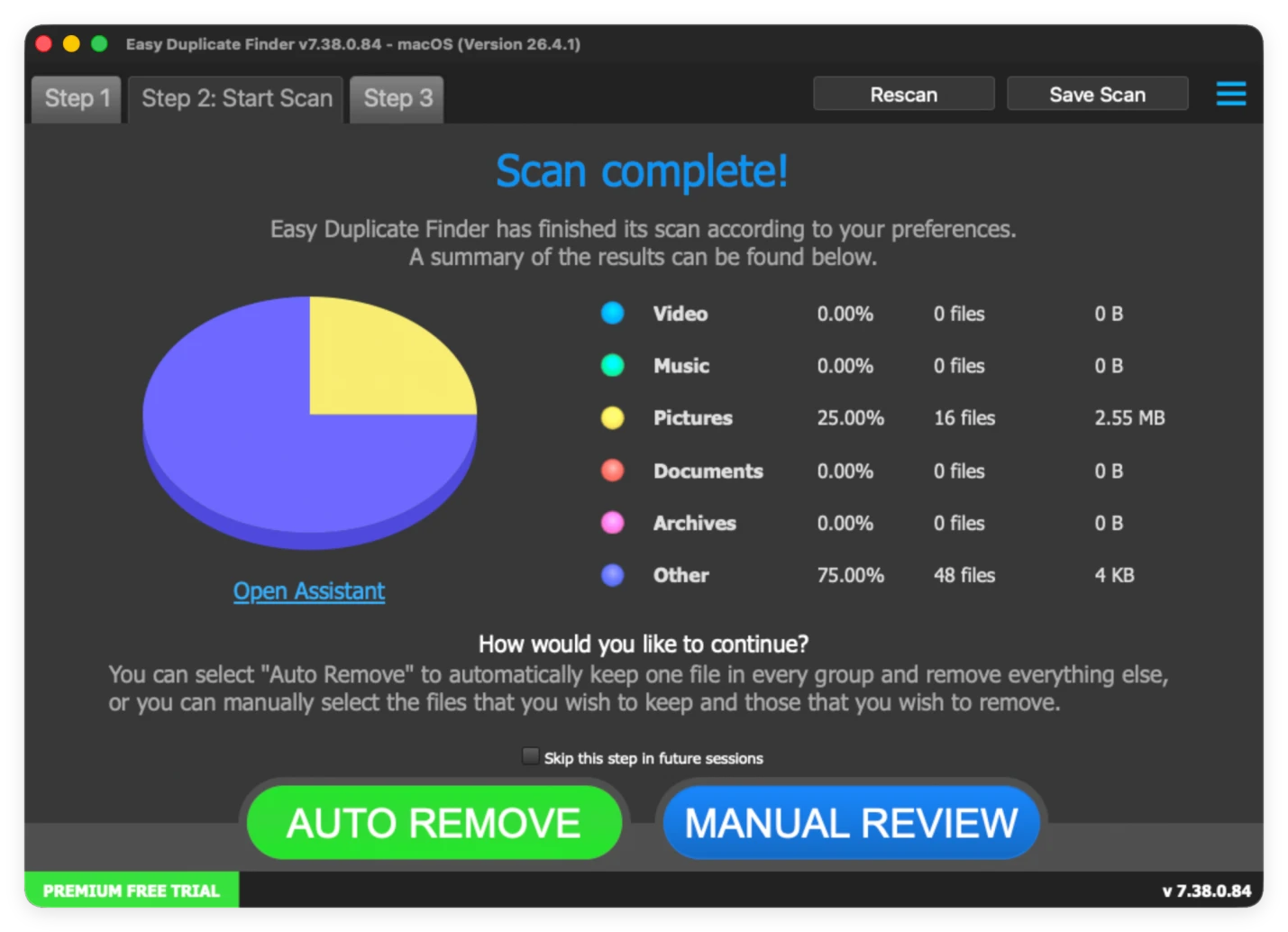
Key Features:
Pros
Cons
Best For: Users who want cloud scanning along with local duplicate cleanup.
Use Tip: Connect cloud folders selectively to avoid unnecessary duplicate results from remote services.
dupeGuru is a well known free cross platform duplicate finder that's been trusted by many users for years. It's simple but powerful, with flexible scanning modes.
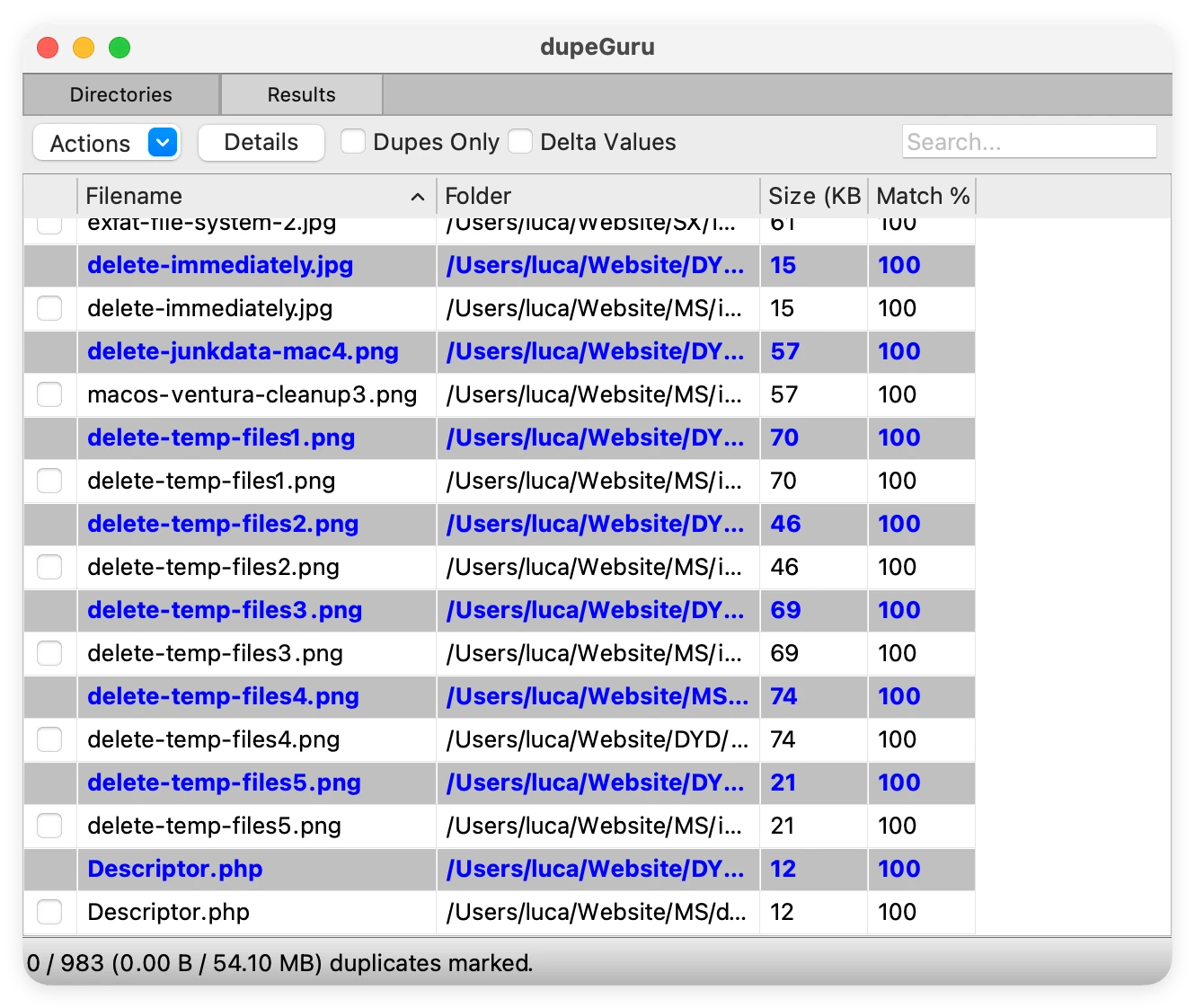
Key Features:
Pros
Cons
Best For: Users who want a reliable, cost free duplicate finder with solid performance.
Use Tip: Use the "Contents" scan mode to find duplicates even when filenames differ.
Once you have cleared out gigabytes of junk space using a tool like Donemax DMcleaner, you will want to keep your drive looking pristine. Developing a few simple file-management habits will prevent duplicate build-up in the future:
Duplicate files on Mac can consume valuable storage and slow down performance, but the right software can simplify cleanup. Tools like Donemax DMcleaner for Mac, Gemini 2 and dupeGuru make it easy to detect and remove duplicates safely. By combining software with good file management practices, you can free up space, improve organization, and maintain an efficient Mac system.
DMcleaner for Mac
Donemax DMcleaner for Mac is an award-winning Mac cleanup & maintenance tool. It offers over 10 tools to help Mac users clean junk data. It helps speed up a slow Mac. Additionally, it includes a smart switch manager and disk manager for Mac.
Christina
Christina is the senior editor of Donemax software who has worked in the company for 4+ years. She mainly writes the guides and solutions about data erasure, data transferring, data recovery and disk cloning to help users get the most out of their Windows and Mac. She likes to travel, enjoy country music and play games in her spare time.
Gerhard Chou
In order to effectively solve the problems for our customers, every article and troubleshooting solution published on our website has been strictly tested and practiced. Our editors love researching and using computers and testing software, and are willing to help computer users with their problems