
Written byStevenUpdated on Jun 30, 2026

Before we start: Are you planning to upgrade to the brand-new macOS 27 Golden Gate? Or maybe you are getting ready to sell, trade in, or give away your Mac? Whatever your reason, making sure your private data is completely gone is a critical step that you should never skip. Donemax Data Eraser for Mac is able to help you permanently wipe data with on trace.
PAGE CONTENT:
Many Mac users mistakenly believe that moving a file to the Trash and emptying it means the file is gone forever. Unfortunately, that is far from the truth. With modern file recovery tools widely available, anyone can easily restore your deleted photos, banking records, passwords, and private company documents.
To protect your privacy, you need reliable data erasure software for macOS 27 Golden Gate. In this comprehensive guide, we will explore why standard deletion fails, what to look for in a data wiper, and how Donemax Data Eraser for Mac can help you permanently destroy data beyond the possibility of recovery.
As Apple upgrades its operating systems, its security architecture becomes tighter. macOS 27 Golden Gate introduces advanced cryptographic protection and sophisticated file-system management. Therefore, choosing a generic or outdated data wiper can lead to incomplete data erasure or even accidental system corruption.
When choosing the ideal data erasure software for macOS 27 Golden Gate, ensure it meets the following critical requirements:
If you want a reliable, secure, and incredibly simple solution, Donemax Data Eraser for Mac stands out as the premier data erasure software for macOS 27 Golden Gate. It is specifically designed to work harmoniously with Apple's latest hardware and operating systems.
Donemax provides military-grade data overwriting algorithms that completely rewrite your targeted files or entire drives with random code, making it physically and digitally impossible for any data recovery software to piece the original information back together.
Donemax Data Eraser for Mac makes secure erasure a completely stress-free experience. Here is how you can use its key modes to protect your personal files:
Step 1: Download and install Donemax Data Eraser for Mac on your computer. Open the application from your Launchpad. Choose the Erase Files/Folders mode from the clear navigation sidebar on the left side of the window.
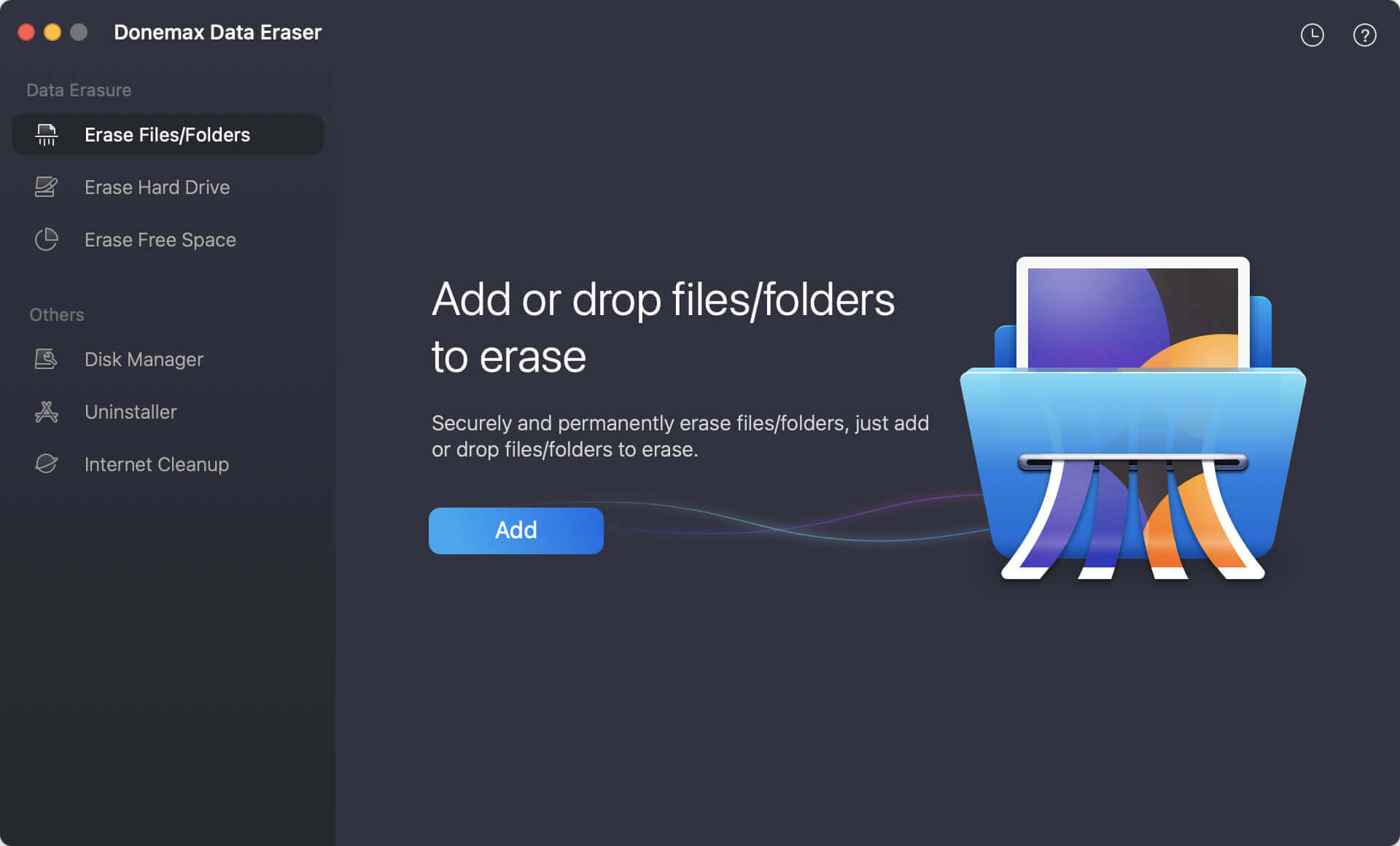
Step 2: Click the Add button to browse your Mac and select the files or folders you want to delete forever. You can also drag and drop them straight into the window.
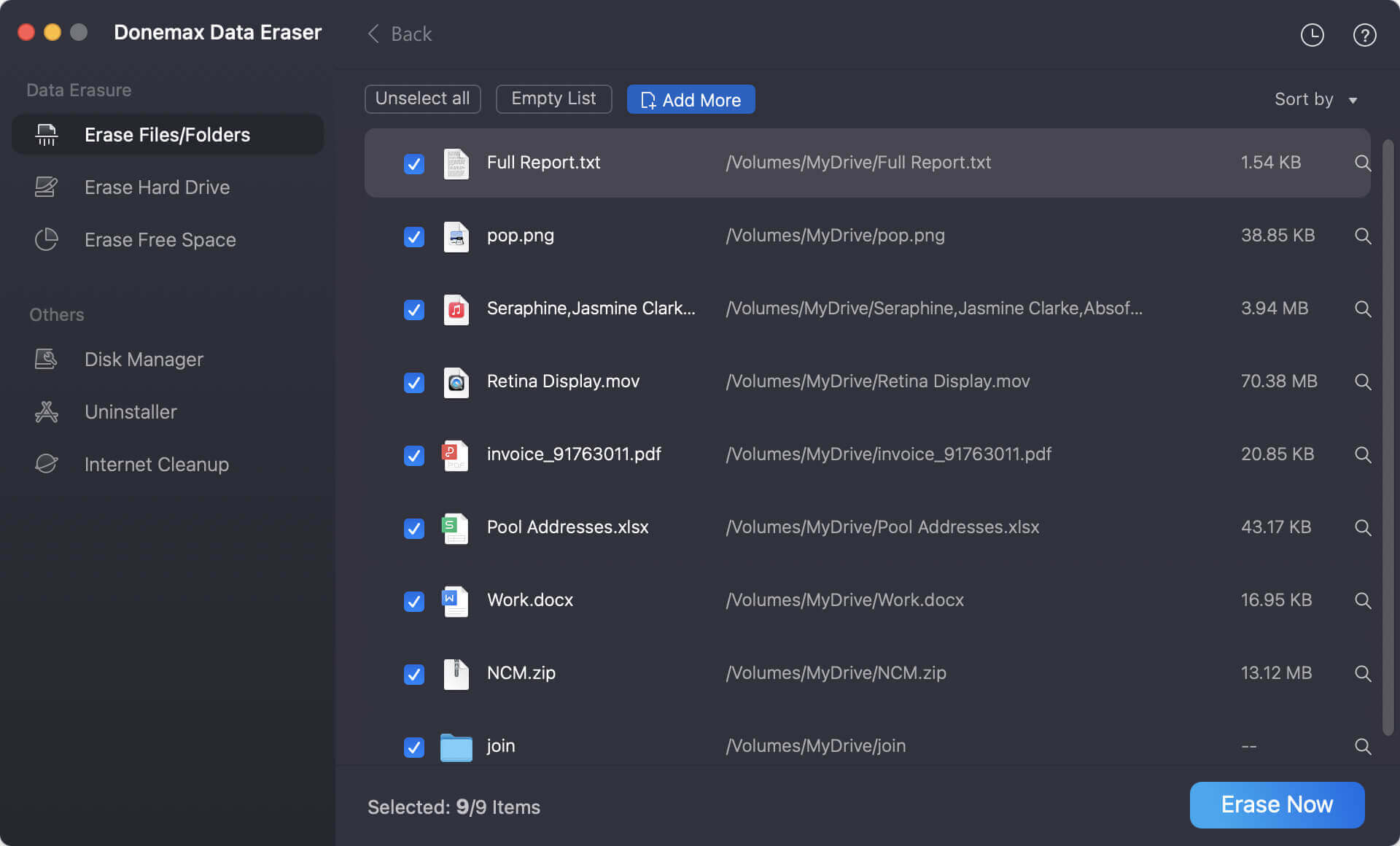
Step 3: Take a quick look to confirm your selection, then click the 'Erase Now' button. Donemax will ask you to select a data wiping standard.
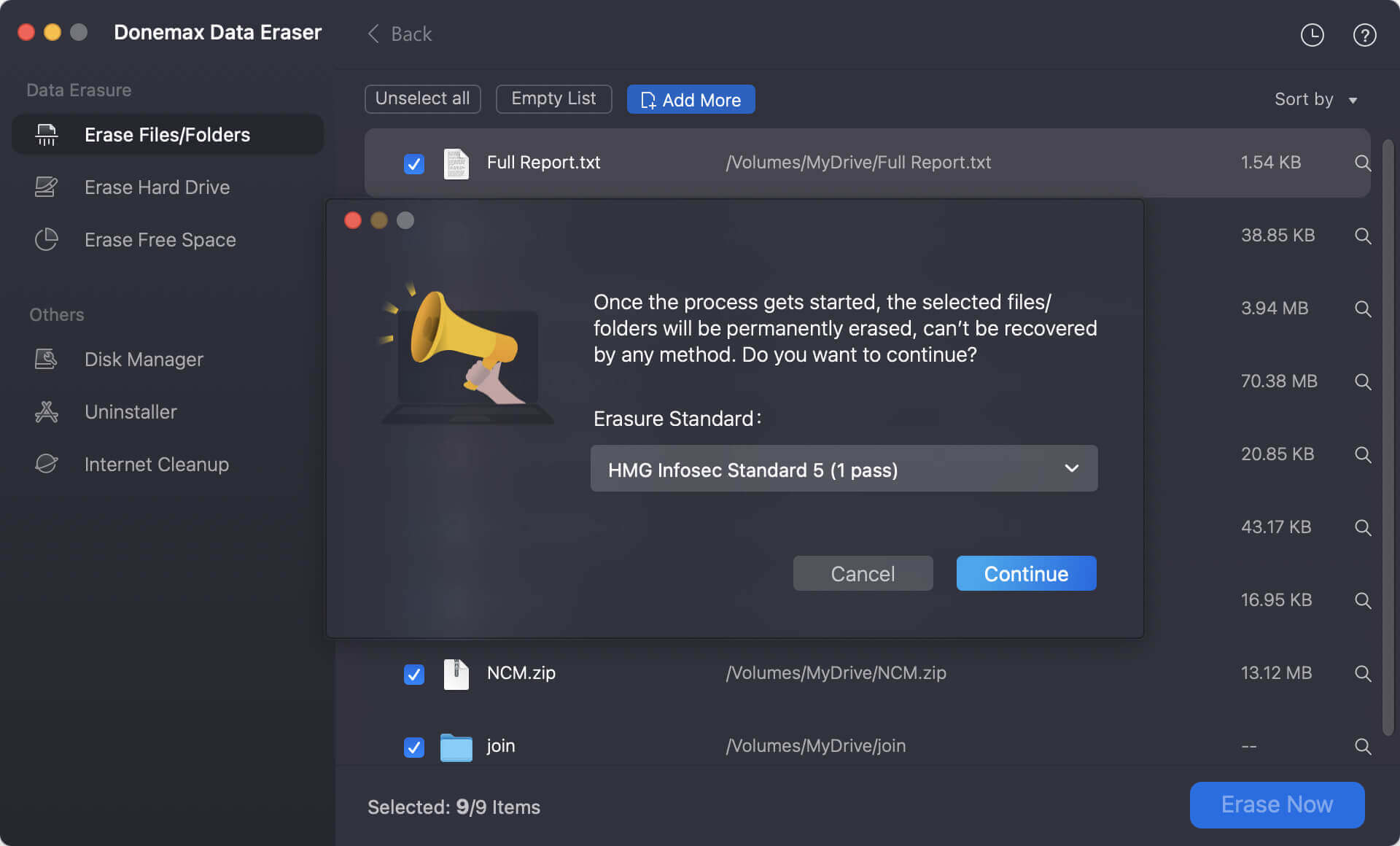
Step 4: At last, click Continue button to start, the software will instantly shred all the selected files or folders permanently.
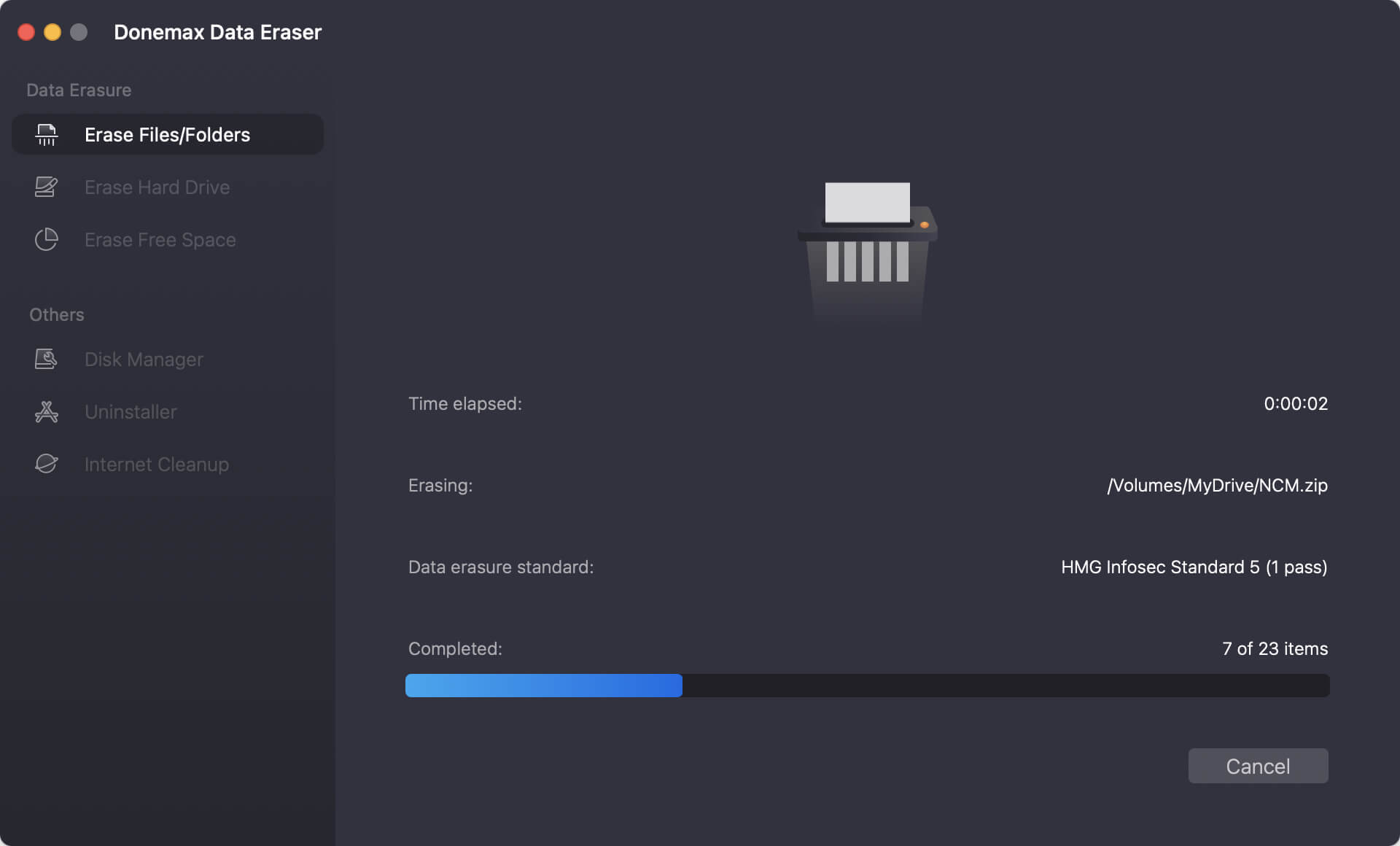
Step 1: Launch Donemax Data Eraser and click on the Erase Hard Drive option in the sidebar panel. Choose the specific drive or external storage device (like a USB drive or SD card) that you wish to clear completely.
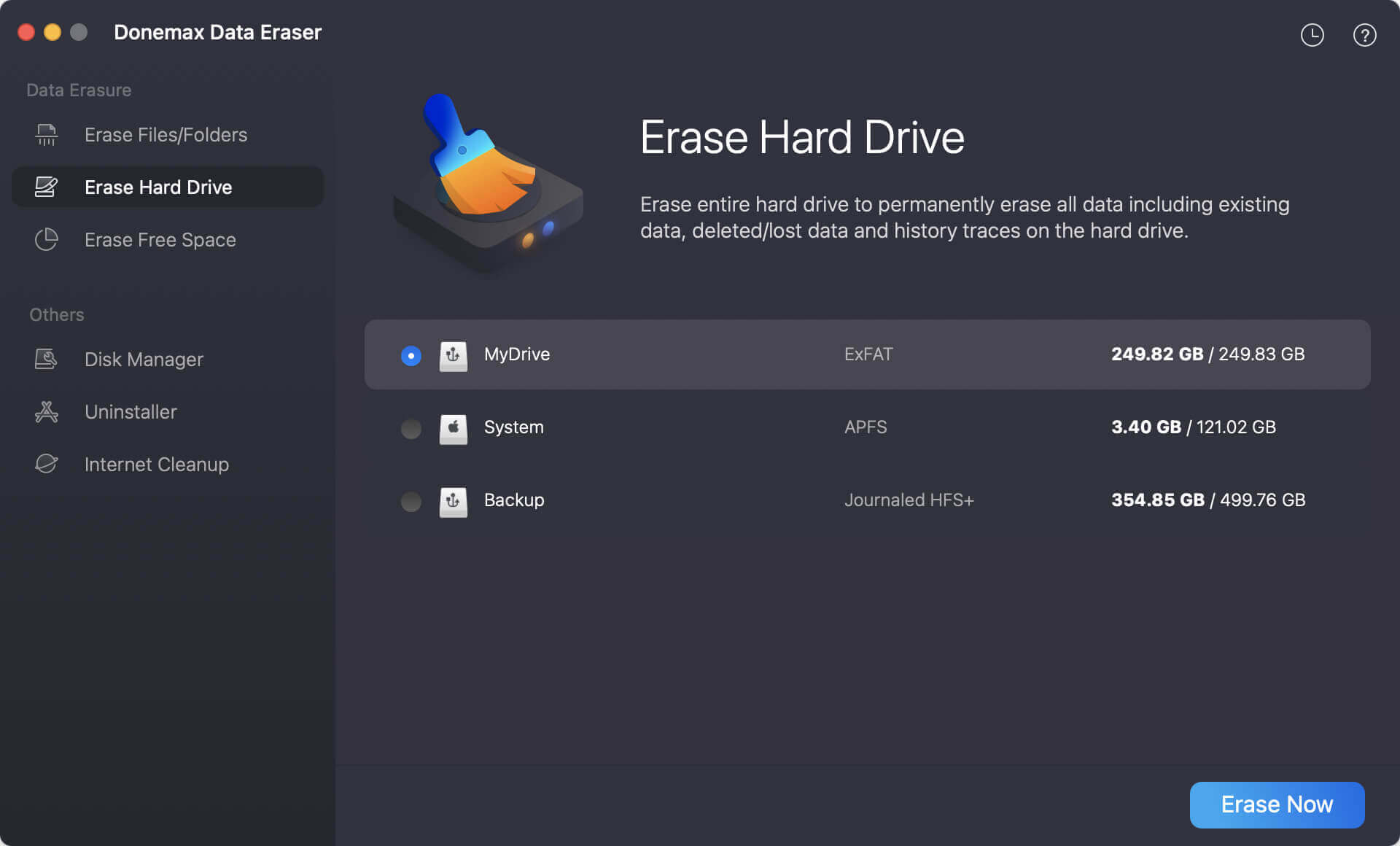
Step 2: Click the Erase Now button to select a data erasure standard from the drop-down list.
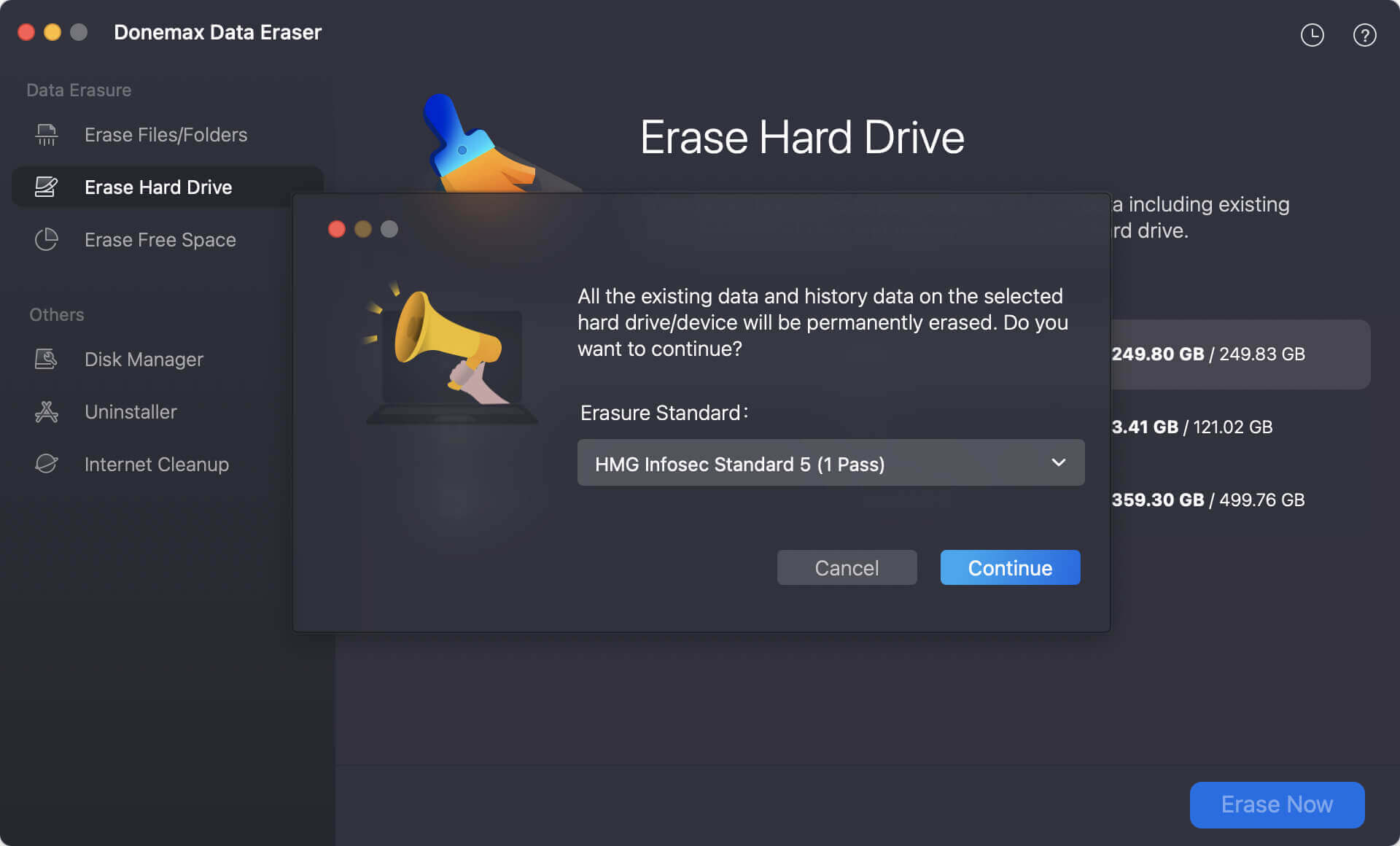
Step 3: Click the Continue button at the bottom of the interface. The software will perform a comprehensive wipe of every sector on that drive.
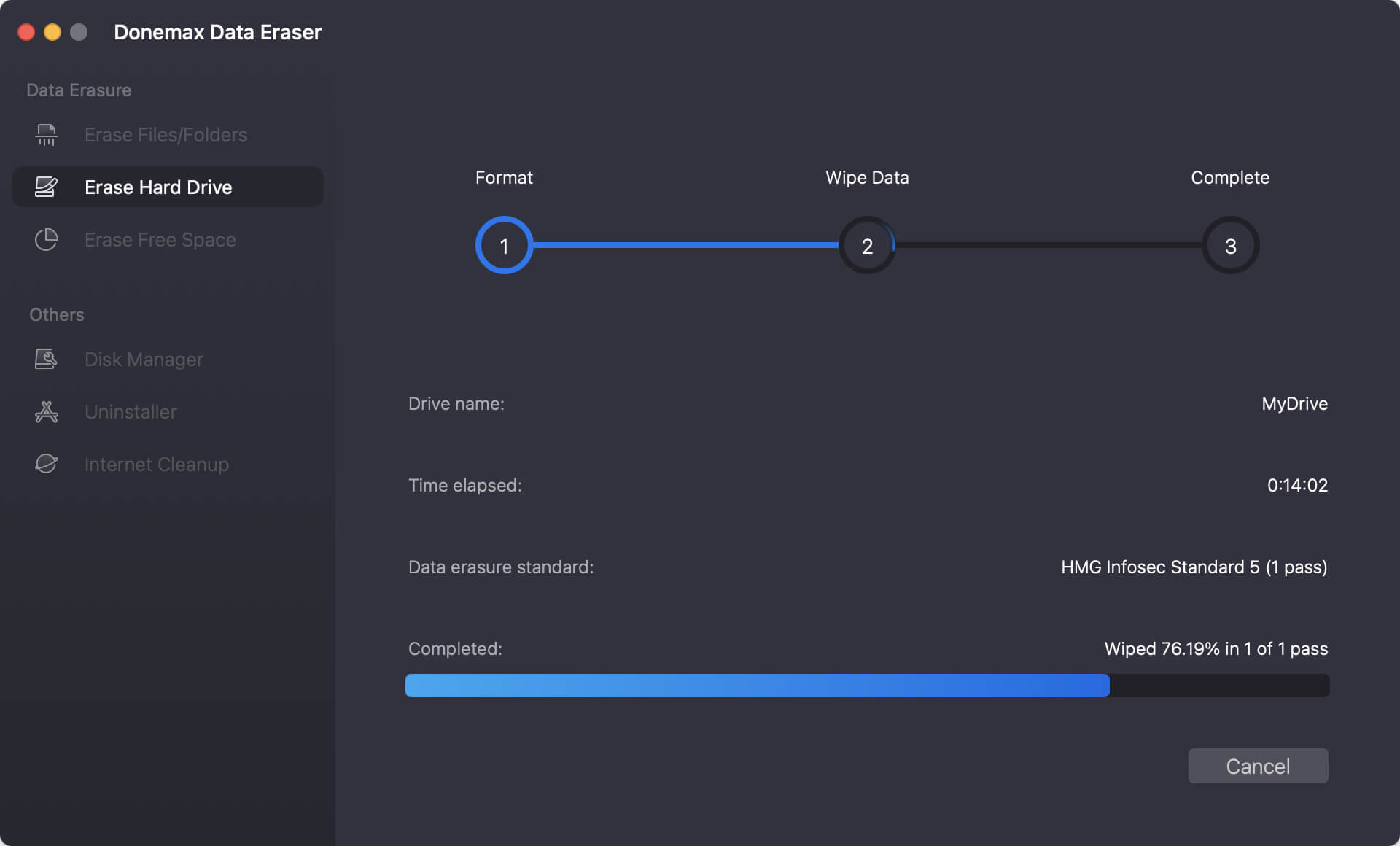
💡 Tips: You can't directly wipe the hard drive where the macOS is installed. If you want to permanently erase entire system hard drive, click here: erase macOS startup disk.
Step 1: Select the Erase Free Space mode within the Donemax app menu. Choose your Mac's primary startup disk or any connected storage drive where you previously deleted items normally.
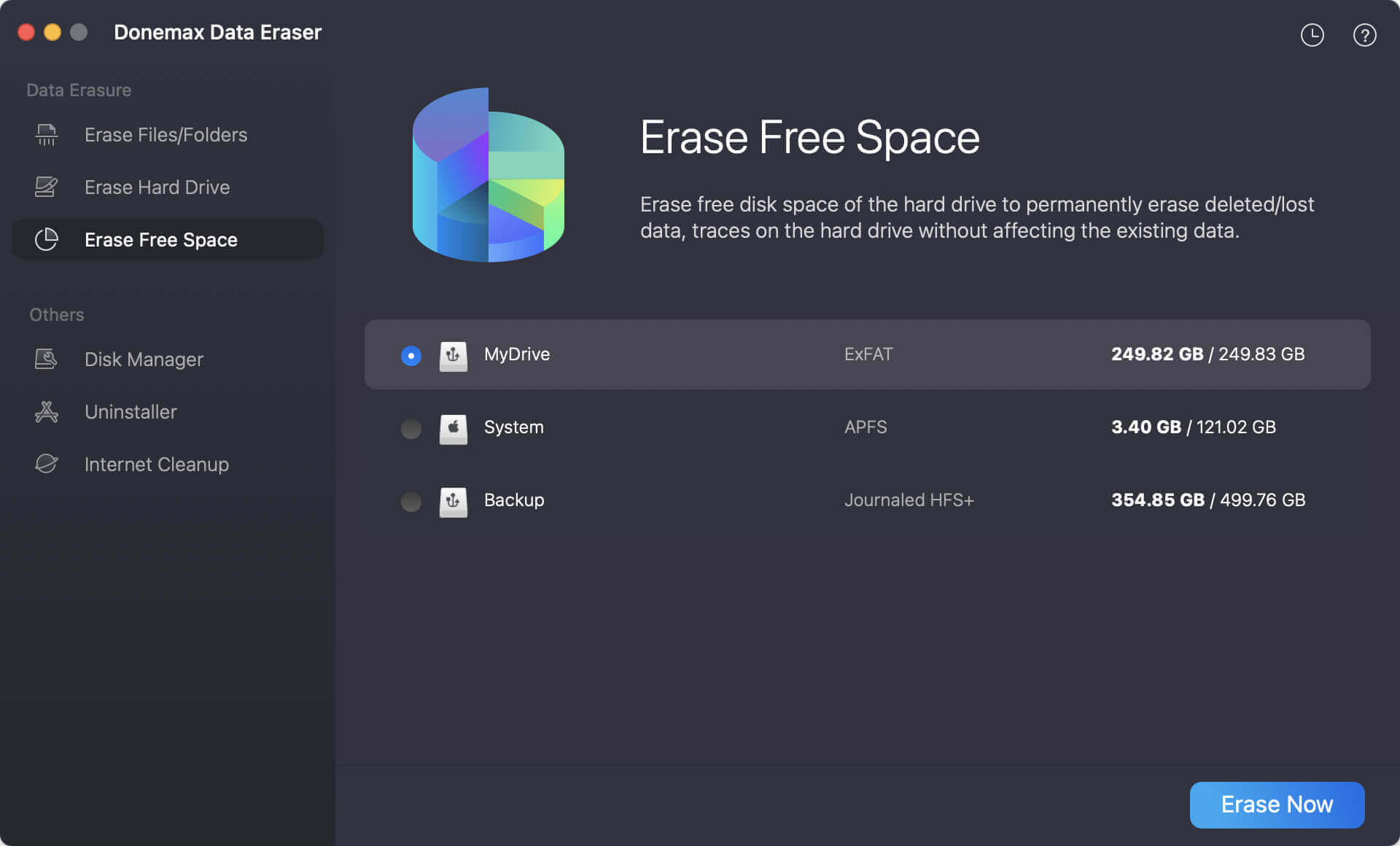
Step 2: Click the Erase Now button and then you need to choose a data wipe algorithm.
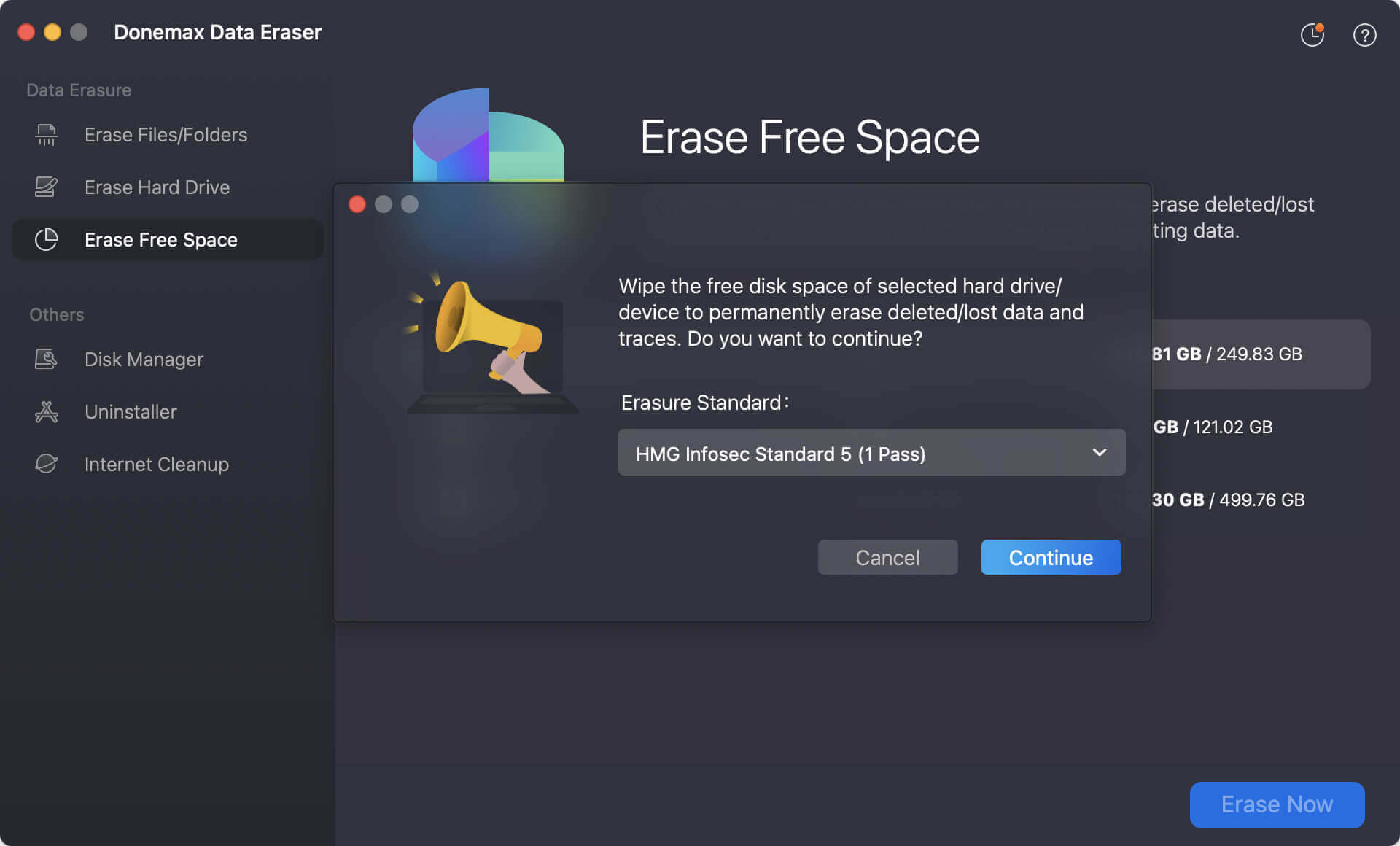
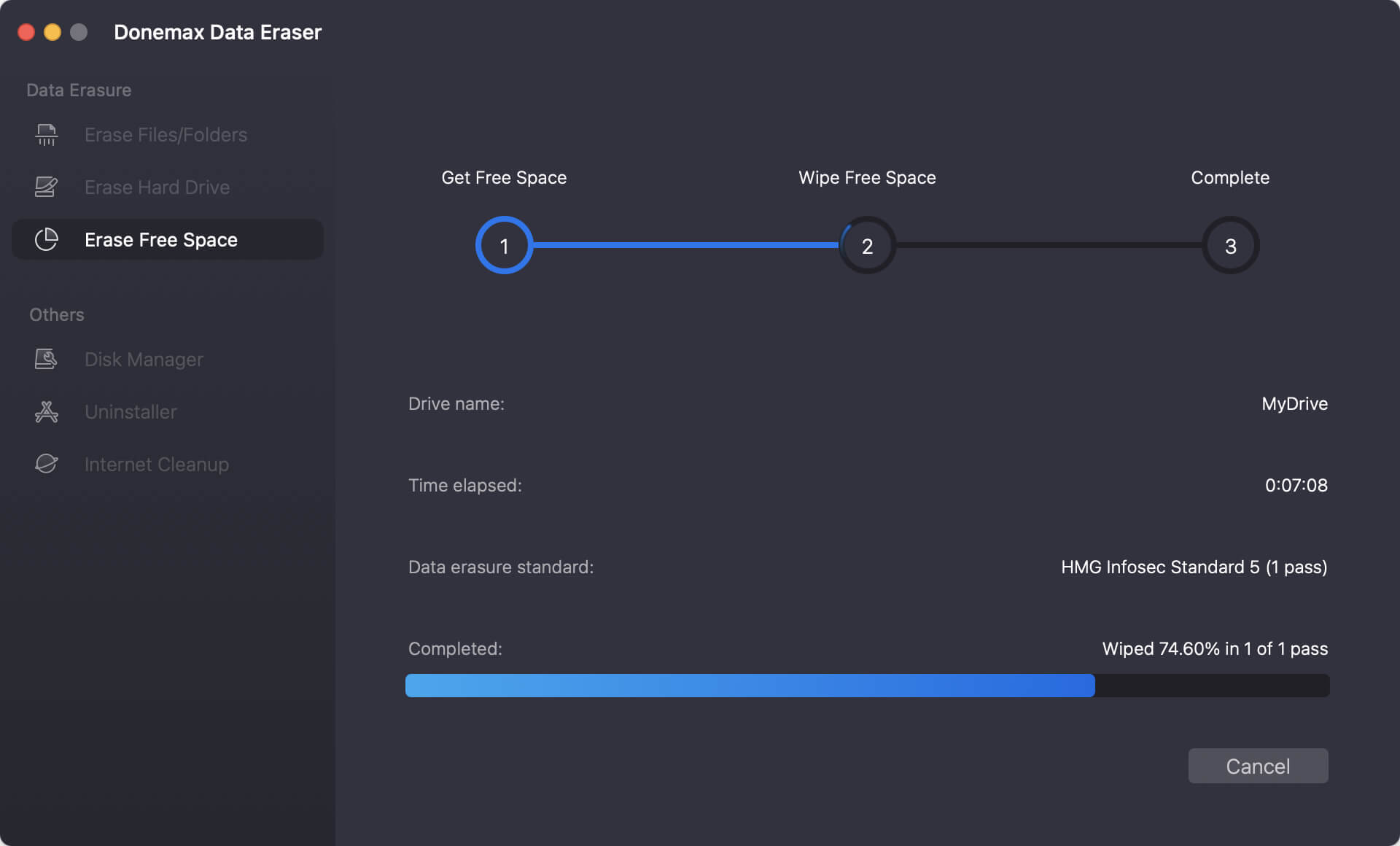
Step 3: Click the Continue button. Donemax will scan the empty parts of your storage and permanently scrub any residual file traces without modifying your existing files.
Donemax Data Eraser for Mac is highly regarded because it strikes a perfect balance between robust security and everyday usability. It provides peace of mind by generating official erasure certificates when required, confirming that the selected storage spaces have been successfully sanitized to government standards.
Furthermore, it respects the longevity of your hardware. Wiping an SSD can sometimes cause unnecessary write cycles if done incorrectly. Donemax optimizes its processes to write data smoothly, protecting your Mac's internal components while ensuring your private records are permanently unrecoverable.
Your digital security is incredibly important, especially during a time when identity theft and corporate data leaks are more common than ever. Simply dragging items into your Mac's Trash bin leaves your personal data highly vulnerable.
When setting up your system or preparing it for a new owner, using professional data erasure software for macOS 27 Golden Gate is the only way to guarantee your privacy is fully protected. Donemax Data Eraser for Mac offers a fast, incredibly reliable, and friendly way to permanently wipe storage drives and shred files beyond recovery. Download it today to give your personal data the ultimate layer of protection!
Donemax Data Eraser for Mac
100% safe and powerful Mac data erasure program. It offers certified data erasure standards including U.S. Army AR380-19, DoD 5220.22-M ECE to securely and permanently erase data from Mac HDD/SSD and external storage devices, making data recovery impossible.
Steven
Steven has been a senior writer & editor of Donemax software since 2020. He's a super nerd and can't imagine the life without a computer. Over 6 years of experience of writing technical solutions and software tesing, he is passionate about providing solutions and tips for Windows and Mac users.
Gerhard Chou
In order to effectively solve the problems for our customers, every article and troubleshooting solution published on our website has been strictly tested and practiced. Our editors love researching and using computers and testing software, and are willing to help computer users with their problems